10-003591-01EN [Q7780031], Rev. 4, January 2020
Chapter 334
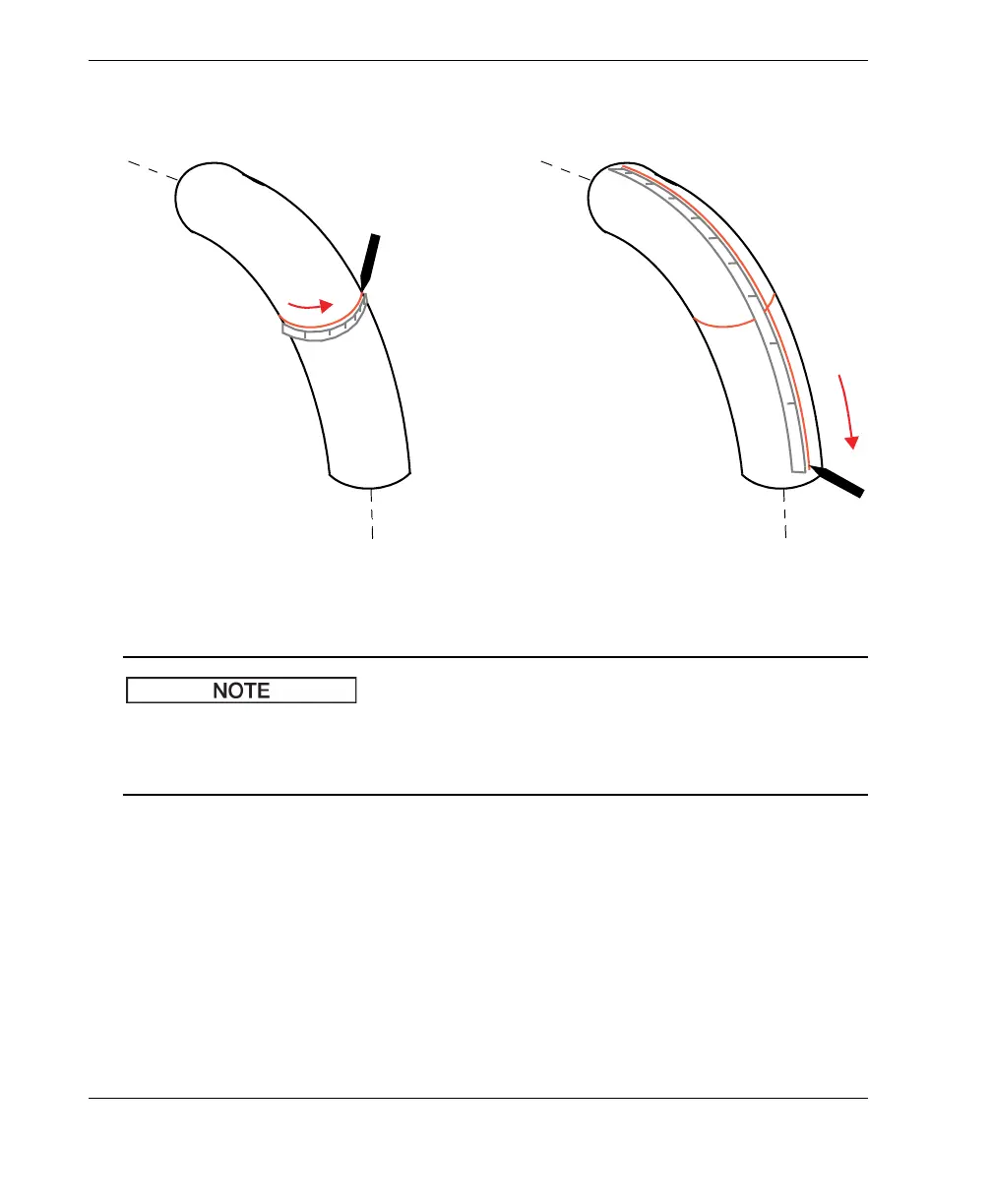
parallel to the part’s longitudinal axis (see right illustration in Figure 3-5 on
page 34).
Figure 3-5 Marking the zero position (left) and scan (right) lines on an elbow
A template marking tool is provided with the FlexoFORM scanner package to help
you draw scan lines. The supplied tool has markings that help you draw a line a
distance of 48 mm to 58 mm from the previous line.
4. Insert a paint marker (pen) into the hole in the template marking tool, then use the
tool’s markings as a guide to follow the first scan line and draw your next scan
line at the required index distance (see Figure 3-6 on page 35). Draw the
remainder of the scan lines this way around the circumference of the part.



 To Next Page