10-003591-01EN [Q7780031], Rev. 4, January 2020
Maintenance and Troubleshooting 53
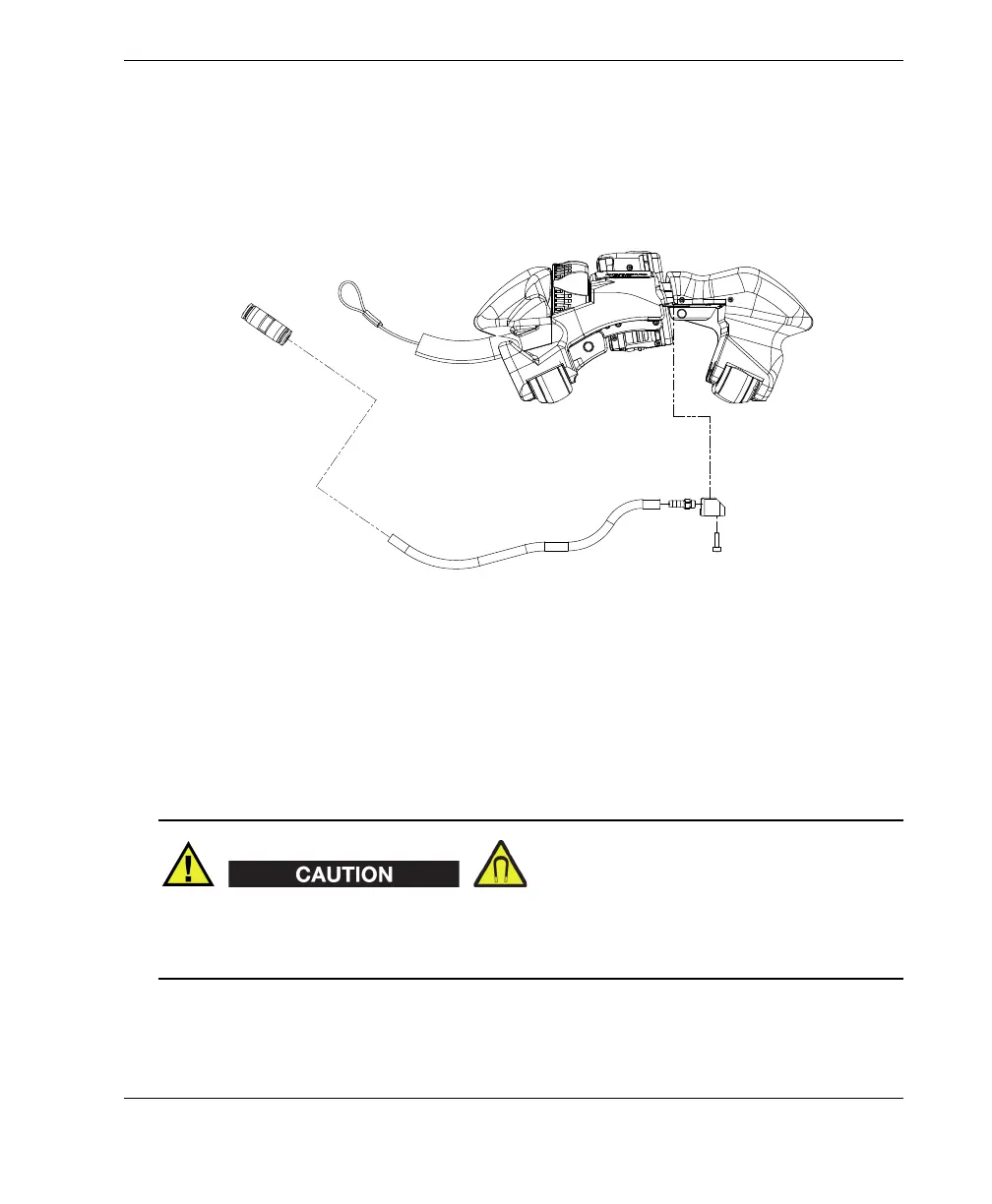
4. Feed the new tube through its channel on the scanner until it reaches the water
connector.
5. Push the tube onto the fitting, install the connector, and then tighten its screw.
6. Cut the tube to the required length, connect it to the union connector, and then
close the cable sleeve.
Figure 5-6 Changing the tube (shown disassembled)
5.8 Changing the Cable Sleeve
To change the cable sleeve, you must partially disassemble the scanner on one side,
including two magnetic wheels (see Figure 5-7 on page 55).
To avoid injury or equipment damage when handling the magnetic wheels, take note
of the magnetic attraction forces around the wheels, and observe the safety notes
outlined in “Changing a Magnetic Wheel” on page 46.
Water
connector on
scanner
Union
connector



 To Next Page