10-003591-01EN [Q7780031], Rev. 4, January 2020
Appendix A76
To set up for a unidirectional scan
Set the parameters as outlined in “To set the parameters for a symmetrical scan”
on page 25. The setup and functionality are the same.
Bidirectional scan
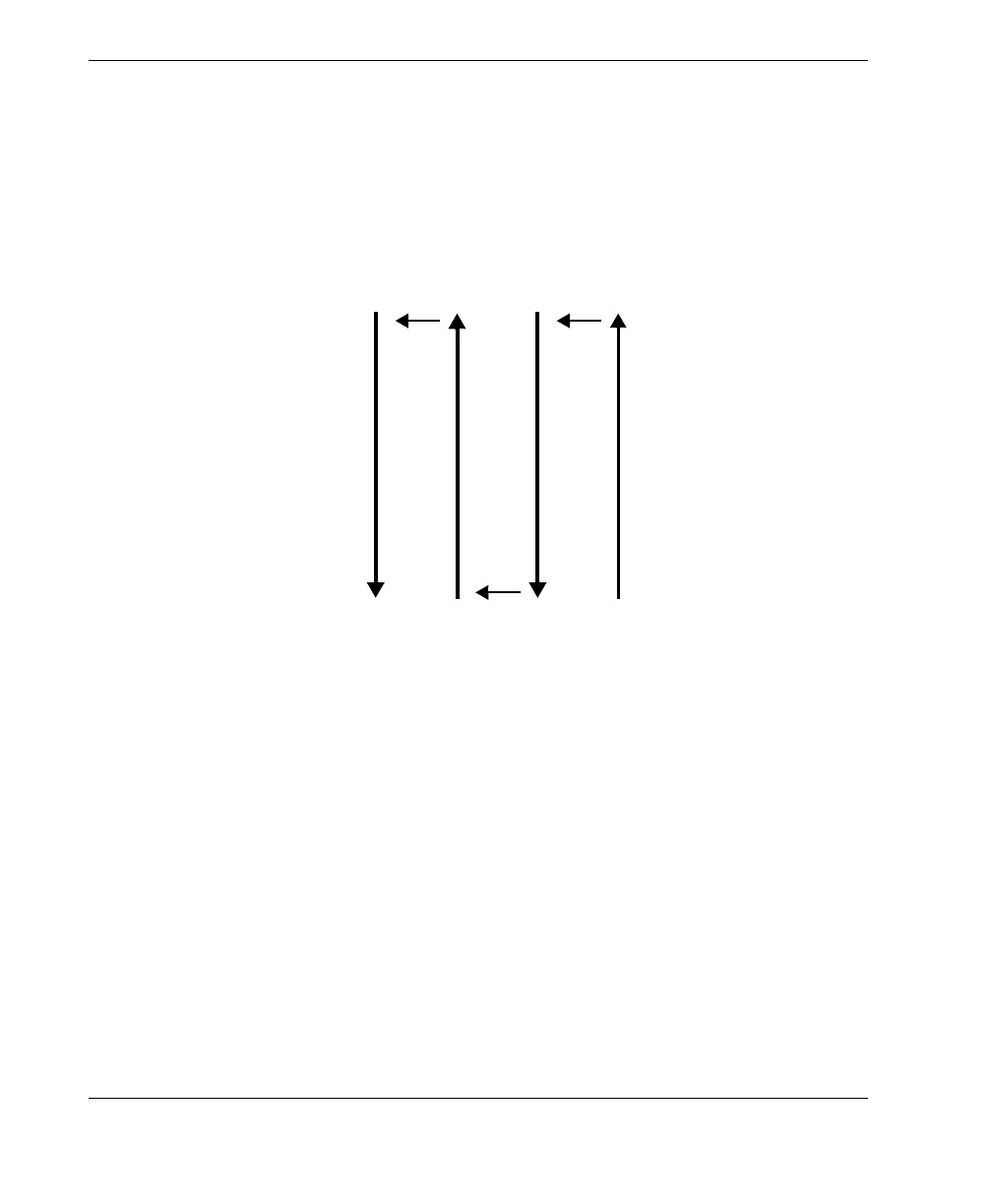
The advantage of a bidirectional scan is that it is faster when inspecting long parts
(see Figure A-2 on page 76).
Figure A-2 Bidirectional scan pattern
To set up for a bidirectional scan
1. Set the scan encoder and input parameters according to steps 1, 2, and 4 in “To set
the parameters for a symmetrical scan” on page 25.
2. Set the indexing button’s encoder number (2) and type (Clicker):
a) Select Scan > Encoder > Encoder = 2.
b) Select Scan > Encoder > Type = Clicker.
A bidirectional scan differs from a symmetrical scan as follows:
• The scan start value can be set to 0 instead of a negative value (Scan > Area > Scan
Start).
• The scan position value is not reset to zero when the indexing button is pressed.



 To Next Page