10-003591-01EN [Q7780031], Rev. 4, January 2020
Inspection 39
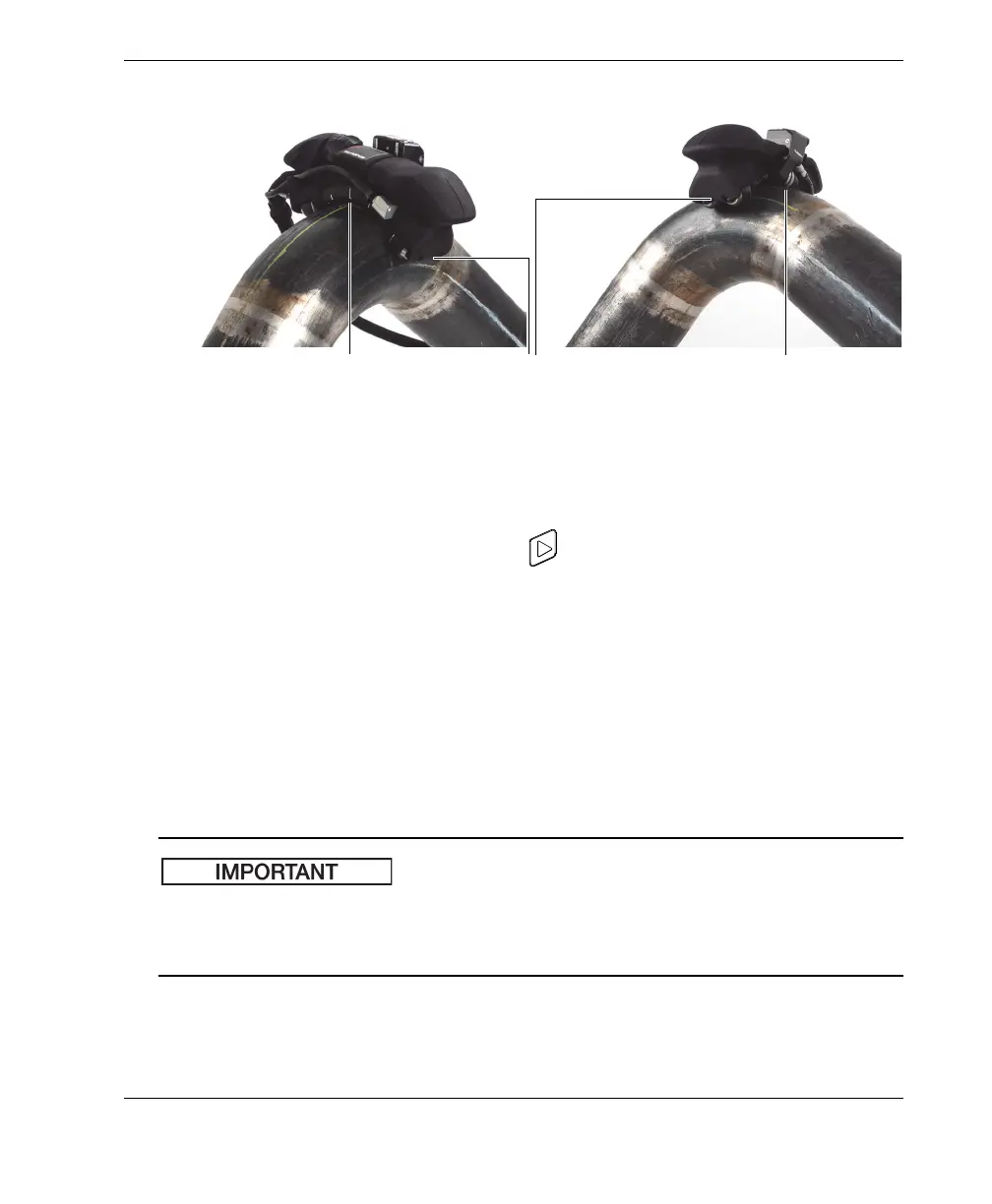
Figure 4-2 Alignment marks
2. On the OmniScan, press the Play key ( ) to set the encoder position to zero.
3. Move the FlexoFORM scanner along the scan line, and observe the instrument
display to make sure that all data has been captured.
The recommended 360° scan pattern for a pipe (or pipe elbow) is shown in
Figure 4-3 on page 40.
4. After completing the first scan line, press the indexing button.
5. Slide the scanner over and align it on the next scan line and on the zero position
line, as detailed in step 1.
6. Press the indexing button again (releasing it from indexing) to restart the
acquisition, increment (increase) the index position, and reset the scan position.
To avoid the risk of overwriting a small portion of your acquisition data, wait at least
one second after having pressed (and released) the button before starting to move the
scanner along the next scan line.
7. Repeat steps 3 to 6 for the remaining scan lines to complete the inspection.
Alignment marks between
wheels for zero position (on
both sides)
Alignment using
encoder wheel
Alignment mark on
wedge



 To Next Page