10-003591-01EN [Q7780031], Rev. 4, January 2020
Chapter 332
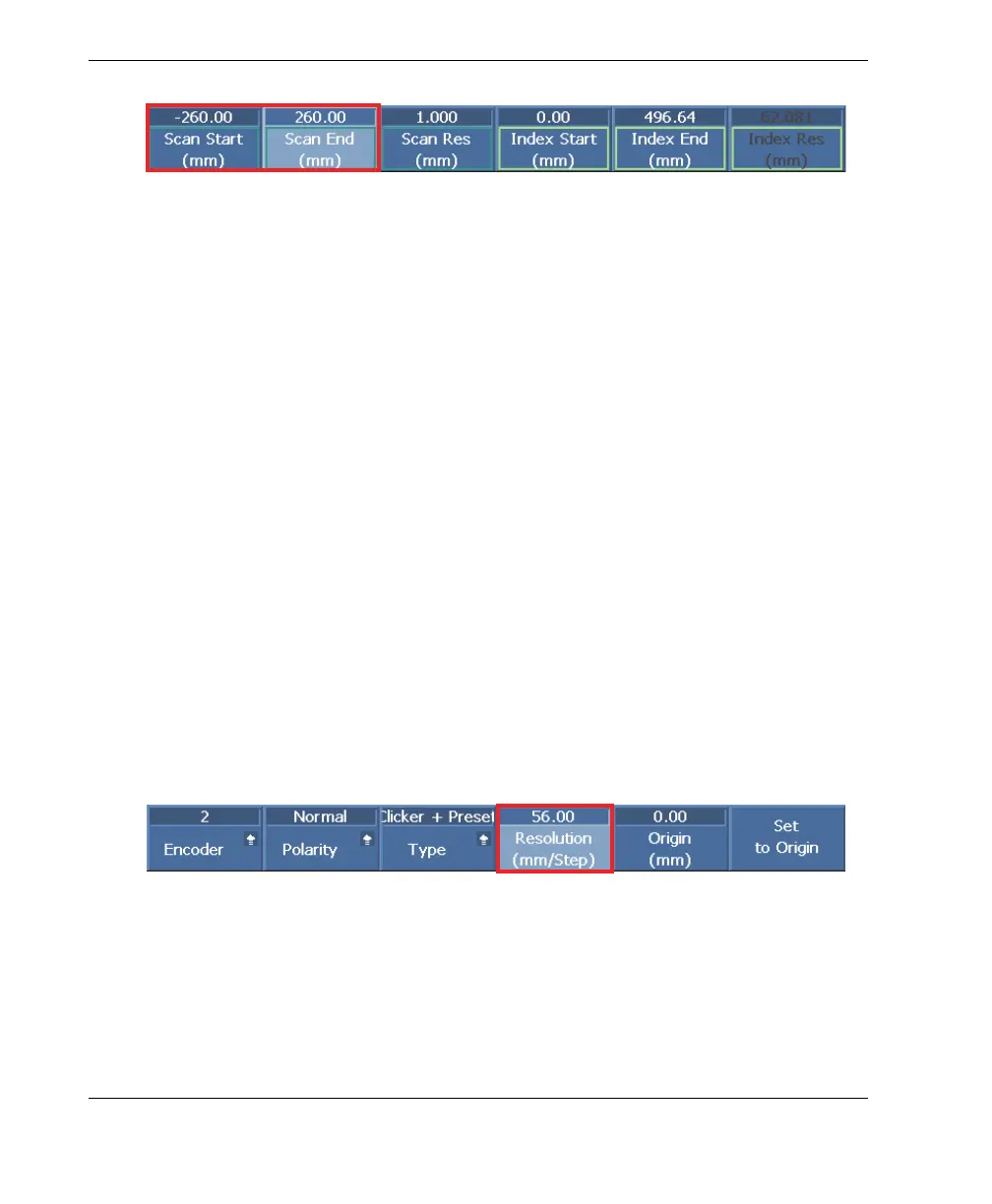
Figure 3-3 Example Scan Start and Scan End setting in the OmniScan
3. Set the index parameter (encoder 2 Resolution value):
a) See Table 3 on page 42 to determine the effective beam width on the surface,
and then subtract from it your desired scan overlap value.
Because of the FlexoFORM scanner’s flexible, curved probe—with a radius of
curvature that is concentric to the surface radius of curvature—the effective
beam width on the surface is smaller than the Index Res value calculated by
the OmniScan. The OmniScan Index Res value (at right in Figure 3-3 on
page 32) should therefore not be used, but instead you must obtain a value
using Table 3 on page 42. For more details and alternative calculation, see
“Correction Factors” on page 41.
For example, for a 559 mm (22 in.) OD pipe and a focal law of 4 elements,
Table 3 on page 42 provides an effective beam width value of 58.1 mm on the
surface. If the desired overlap is 2 mm, then the Index Res value can be
calculated as follows:
58.1 mm − 2 mm = 56.00 mm, the nearest integer millimeter value
This is the value you will enter in the encoder 2 Resolution parameter, which
represents the distance between your scan lines.
b) Select Scan > Encoder > Encoder 2 > Resolution = [EXAMPLE 56.00] (see
Figure 3-4 on page 32).
Figure 3-4 Example index Resolution setting in the OmniScan



 To Next Page