10-003591-01EN [Q7780031], Rev. 4, January 2020
Chapter 438
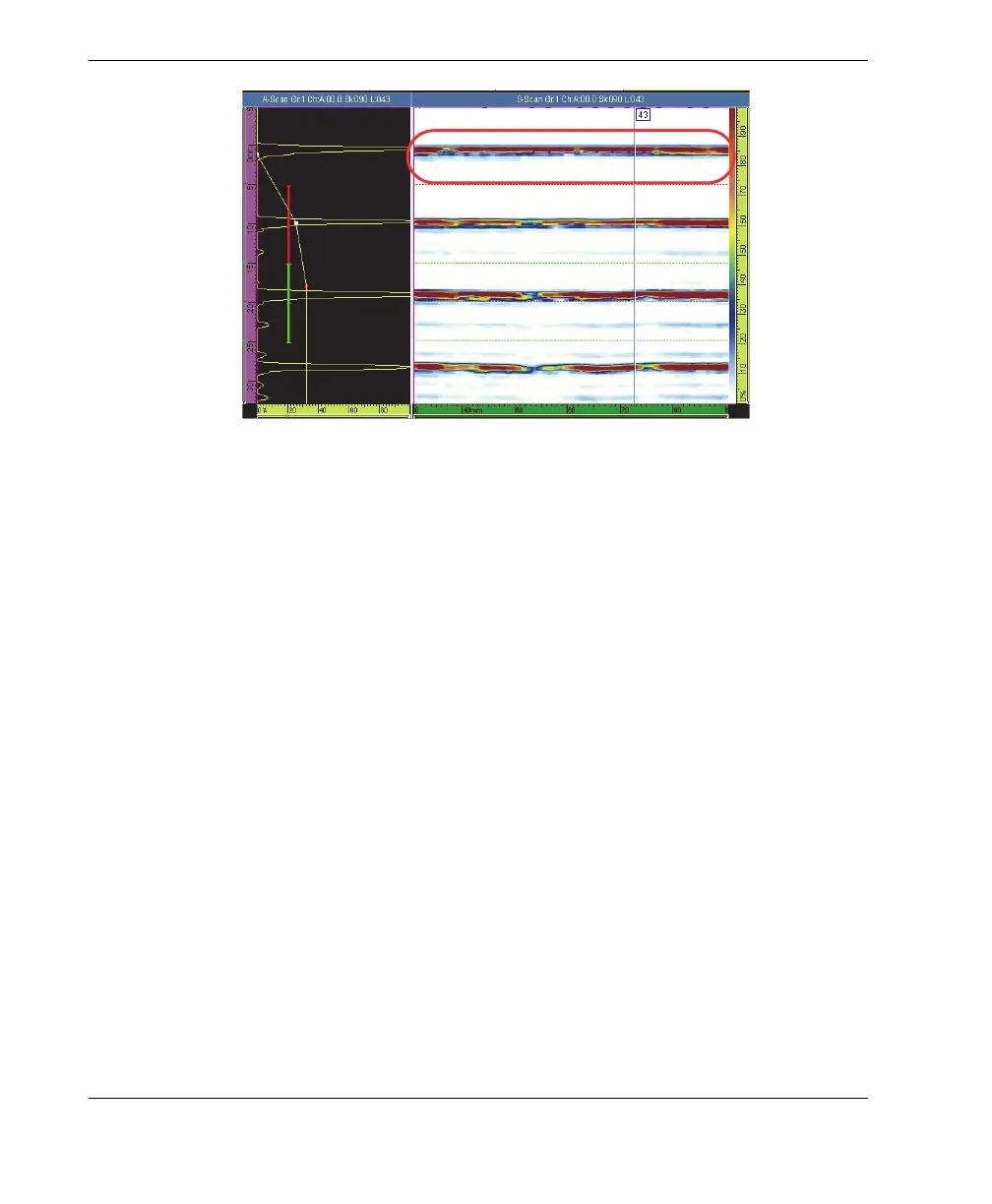
Figure 4-1 An example S-scan display free of bubbles
4.2 Inspecting a Part
Water must be turned on and air bubbles cleared before inspection can be started. You
can inspect a part either with or without marked scan lines.
4.2.1 Inspecting a Part Using Marked Scan Lines
Use the following procedure if you have marked scan lines on your part surface.
To inspect a part using marked scan lines
1. Position the FlexoFORM scanner so that it is aligned with the (first) marked scan
line and the start (zero) position (see Figure 4-2 on page 39).
— Use the wedge’s alignment mark and the encoder wheel to align on the scan
line.
— Use the alignment marks on the sides, between the wheels, to align on the
zero position.



 To Next Page