10-003591-01EN [Q7780031], Rev. 4, January 2020
Maintenance and Troubleshooting 47
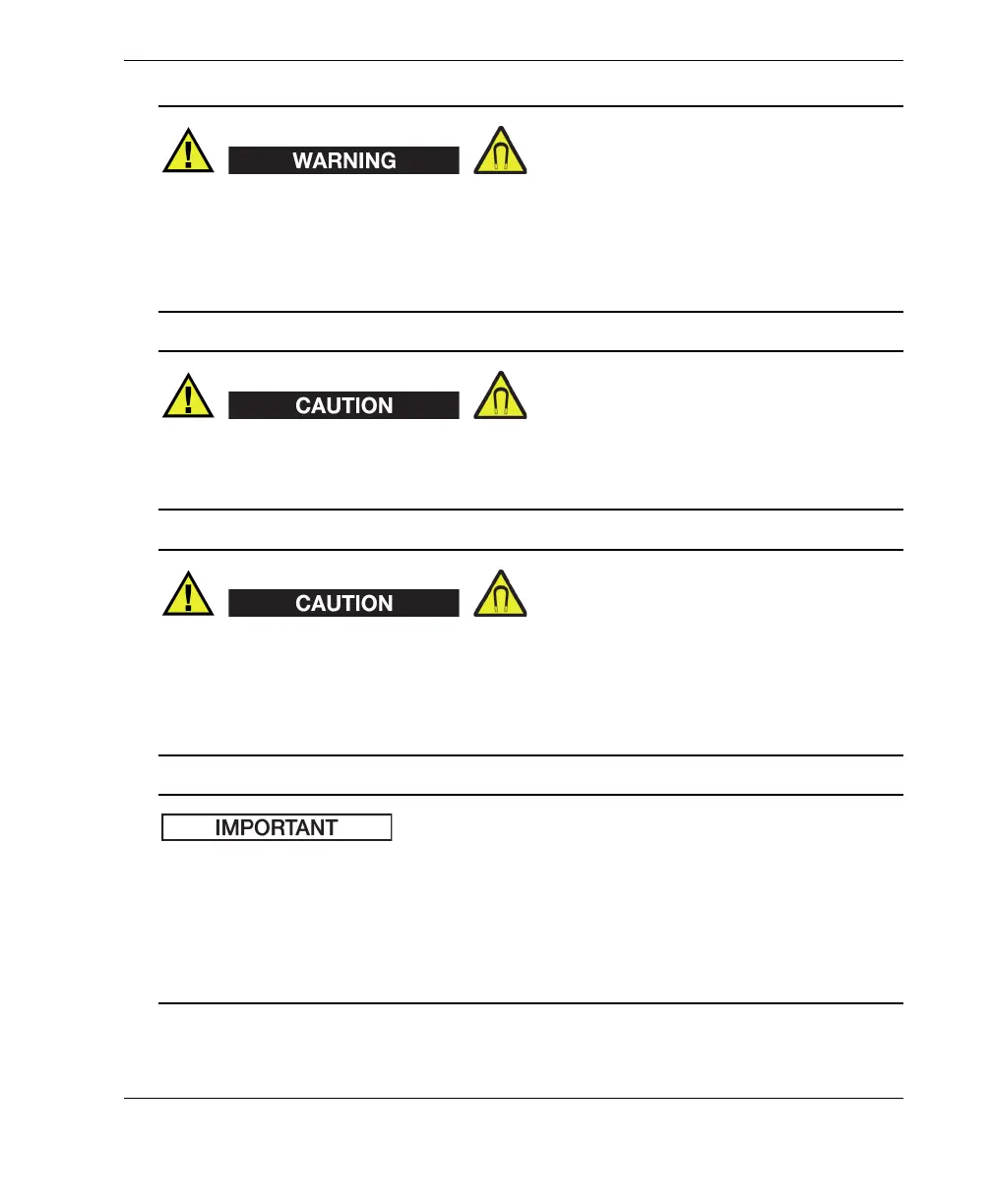
The magnetic wheels can generate a magnetic field strong enough to affect
pacemakers, watches, and other sensitive electronic devices, and anyone wearing or
depending on such devices should keep a safe distance away from the wheels to
avoid the risk of serious injury or death. This magnetic field can also demagnetize
credit cards, magnetic ID (identification) badges, etc.
Sharp filings or other ferromagnetic objects can be attracted to the magnetic wheels,
which can cause equipment malfunction or injury. It is important to keep the wheels
clean (see “Cleaning the Magnetic Wheels” on page 49).
Be careful while using tools around magnetic wheels and while holding or moving
the wheels. Tools, wheels, or other ferromagnetic objects in the vicinity may suddenly
move and forcefully be attracted to each other, which could potentially cause injury or
equipment damage. Be sure to allow sufficient free space around equipment and tools
to prevent sudden attractive forces between them.
The FlexoFORM scanner’s replacement magnetic wheels are supplied as a set of two.
The two wheels in a set have opposing polarity when installed. This provides a
repulsive force between wheels that makes it easier to install them. However, wheels
must be carefully handled and held to prevent accidental ejection, as outlined in the
procedure below. It is recommended to replace the two wheels as a set on each side of
the scanner.



 To Next Page