290
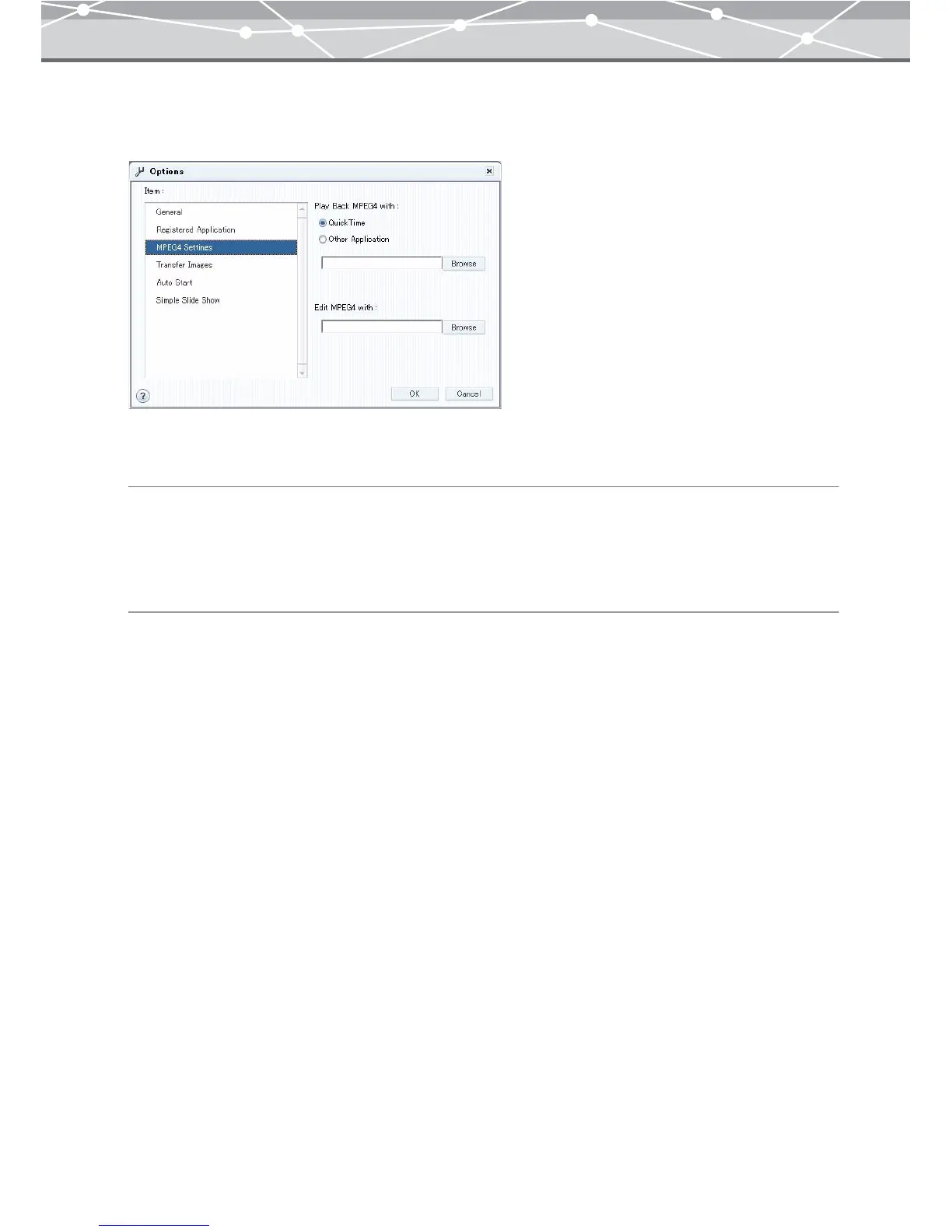
● [MPEG4 Settings]
To perform MPEG4 settings, select [MPEG4 Settings] in the [Item] list box.
You can register the applications for playing back and editing the MPEG4 movies.
[Play back MPEG4 with]
To play back the MPEG4 movies with QuickTime, select [QuickTime].
To play back the MPEG4 movies with other application, select [Other Application], click the [Browse]
button, and in the [Select Folder] dialog box, select the application software you want to use for the playback.
[Edit MPEG4 with]
Click the [Browse] button, and in the [Select Folder] dialog box, select the application software you want to
use for editing the MPEG4 movies.



 To Next Page