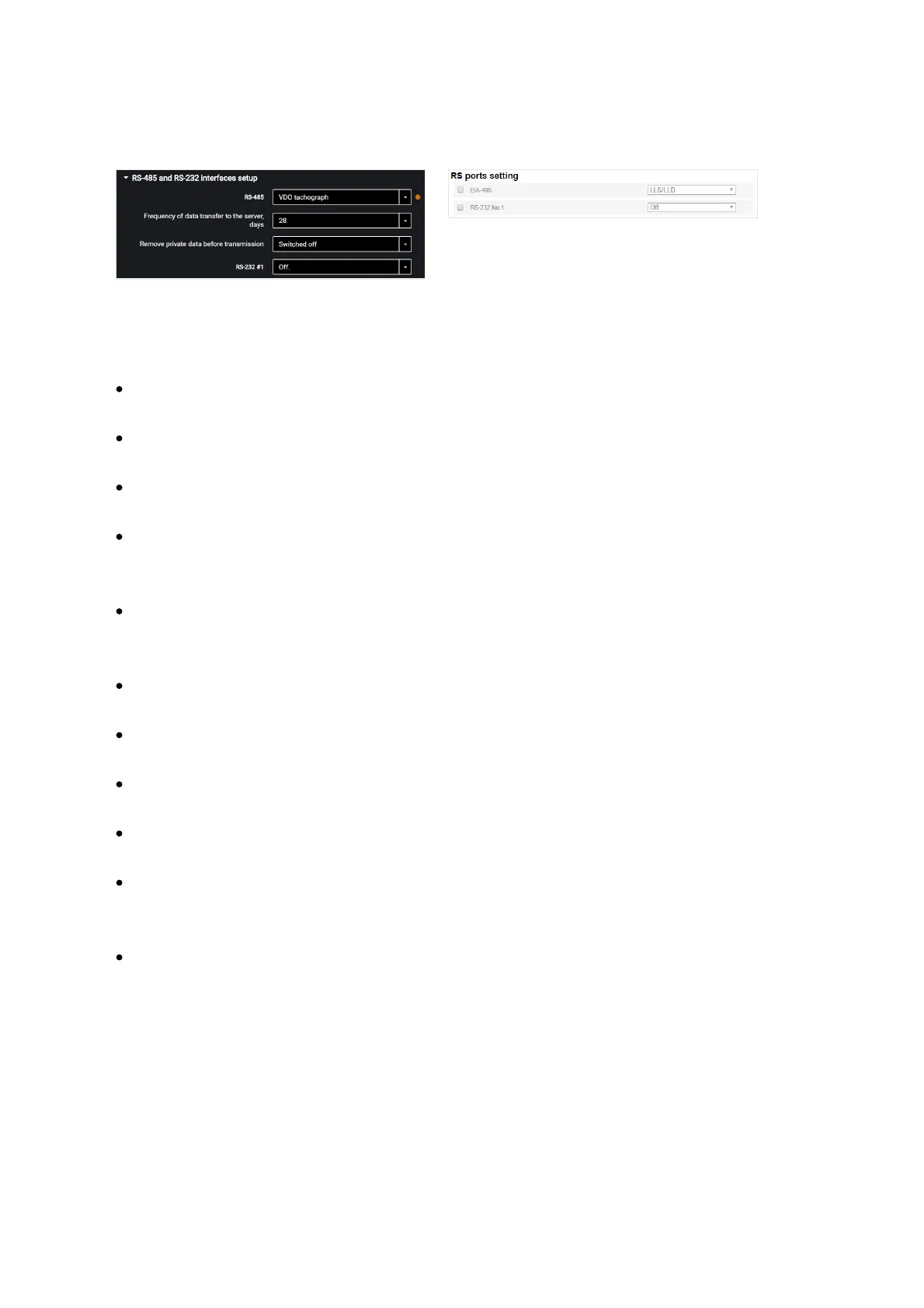
For Omnicomm Smart terminal you may only configure interface RS-485.
For RS-485 and RS-232 interfaces choose the setting:
“Disabled” – interface is not used
“CAN-Log” – connection to a CAN-log device
“J1708” – connection to the vehicle J1708 data bus
“NMEA reception” – use of navigation data from an external device. If you select
this option, you must specify the data port bit rate.
“RS port bit rate for NMEA data” – select the data port bit rate for reception of
navigation data from an external device
“NMEA transmission” – use of the terminal navigation data in an external device
“PP-01” – use for connection of the passenger throughput sensor
“Camera” – use for the digital camera connection
“DV-01” – use for the driver display connection
“LLS / LLD” – use for connecting fuel level sensors Omnicomm LLS, Omnicomm LLD
indicator
“Tachograph VDO” (only in Omnicomm Configurator) – use for Continental
tachograph connection
“Frequency of data transmission to server” – select the number of days for the DDD
files transmission to the communication server. Possible options: from 1 to 28 days.
“Delete personal data before transmission” - if necessary, enable deleting the driver's
personal data prior to data submission to the server.



 To Next Page