2. Perform installation on/under an inclined or horizontal surface of the vehicle cabin
front panel, fixing it with screws (self-tapping screws) or glue
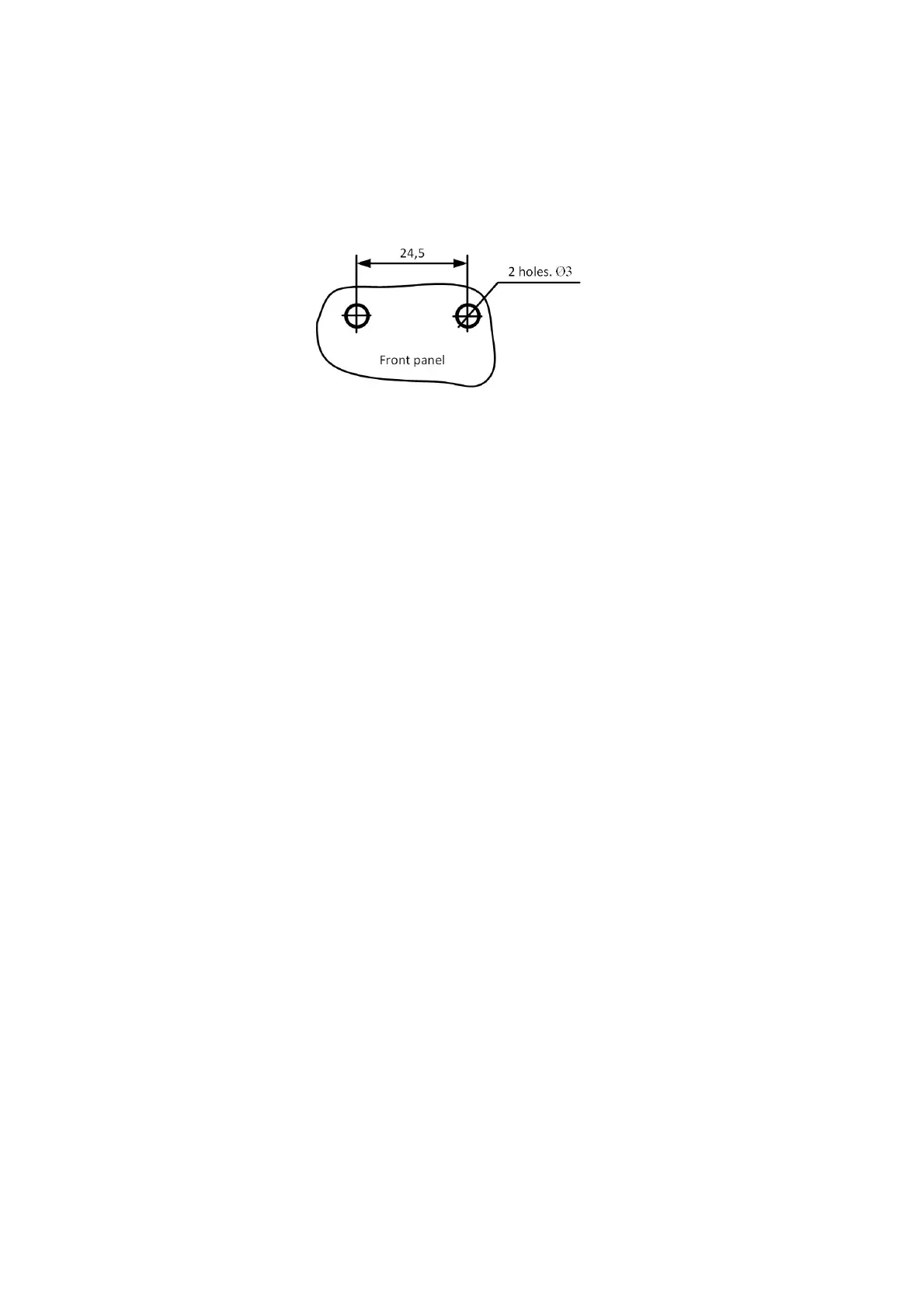
3. At the installation site, when using screws, drill holes as shown in figure:
4. Mount the sound emitter on the prepared surface and fix.



 To Next Page