4. Setting the Unit (Unit Operation)
4.2.5 Changing the Set Value
The value setting depends on the type of items, which are classified into option selection
type and numeric input type.
(1) Changing Option Type Item Values (Example: CYCLE)
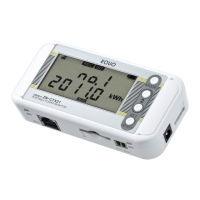
Press the MODE key several times to enter FUN mode, and press the ▽ or △ key to
display CYCLE.
CYCLE
10 s
Press the MODE key repeatedly until "FUN" starts blinking. Press
the ▽ or △ key to display CYCLE at the upper row of the display.
Press the SET/REC/STOP key, then, the value at the lower row
CYCLE
10 s
↑Blinking
The value options are displayed in sequence by pressing the
△
▽ key.
To cancel the setting attempt, press the MODE key.
▽
△
30 s
↑
△
▽
key to display the desired value, and press the
SET/REC/STOP key.
The value is applied and the blinking stops.
CYCLE
30 s
Use the △ or ▽ key again to display other setting item and MODE key to change the
operation mode.


 To Next Page