18
1.14 SHORTCUTS PANEL
From any screen, button opens the Shortcuts panel. It gives direct access to a group of functions. The list of
accessible functions depends of the current screen.
1.14.1 Photo
From the Collect module, measurement list screen: take an inspection picture
From Balancing module, any screen: take picture for your report (balanced machine, sensor installation, weight
mounting)
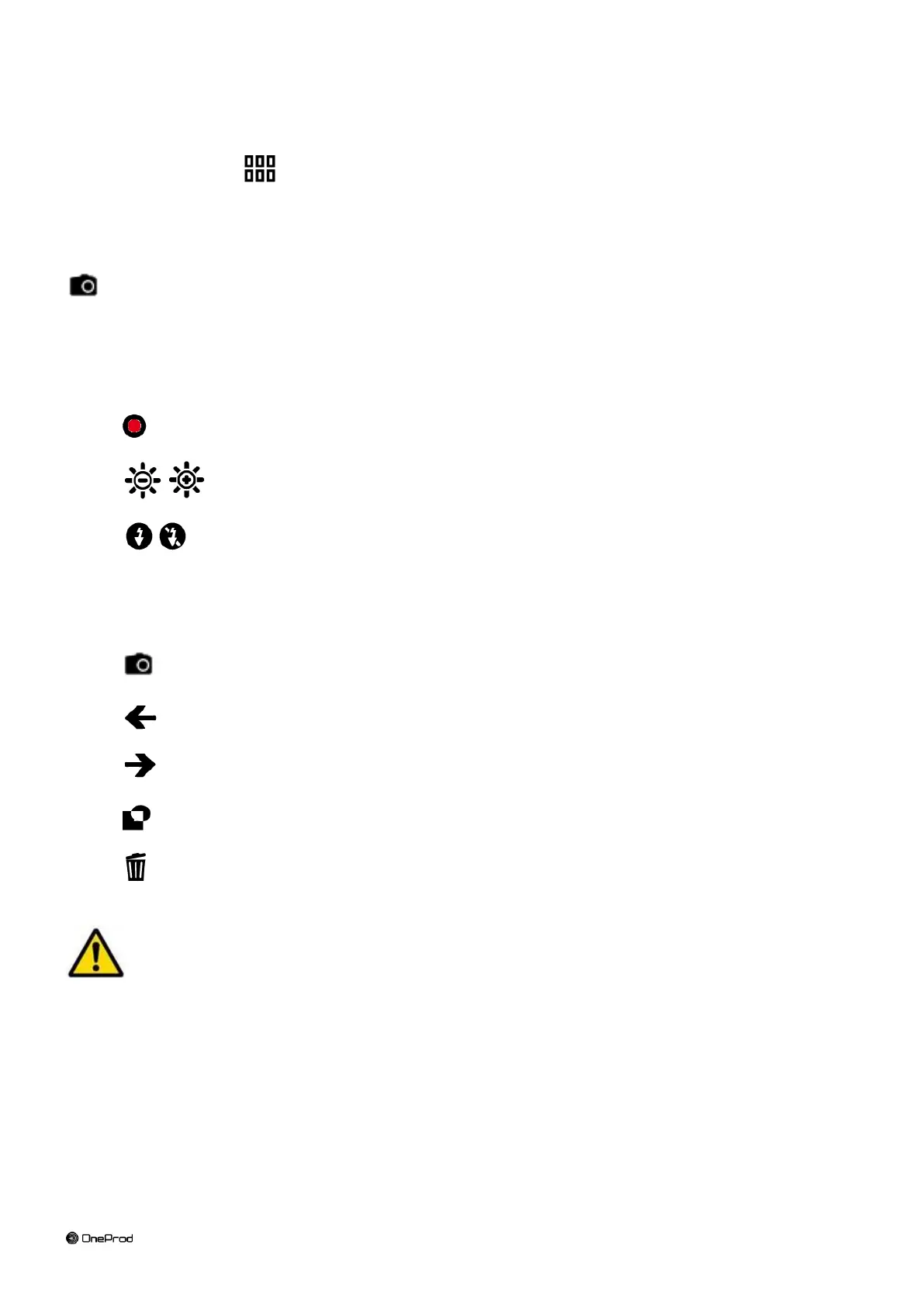
Take the picture:
: take the picture. You must not move during few seconds.
Brightness adjustment.
Flash on and off.
Stored picture management:
Add a new picture.
See previous picture.
See next picture.
Add a comment to the current picture.
Delete the current picture.
The camera must not be used when cables are plugged on connector C or connector D (see chapter
Radio of the Safety instructions manual)



 To Next Page