65
4.4.2 Tachometer / Triggering device
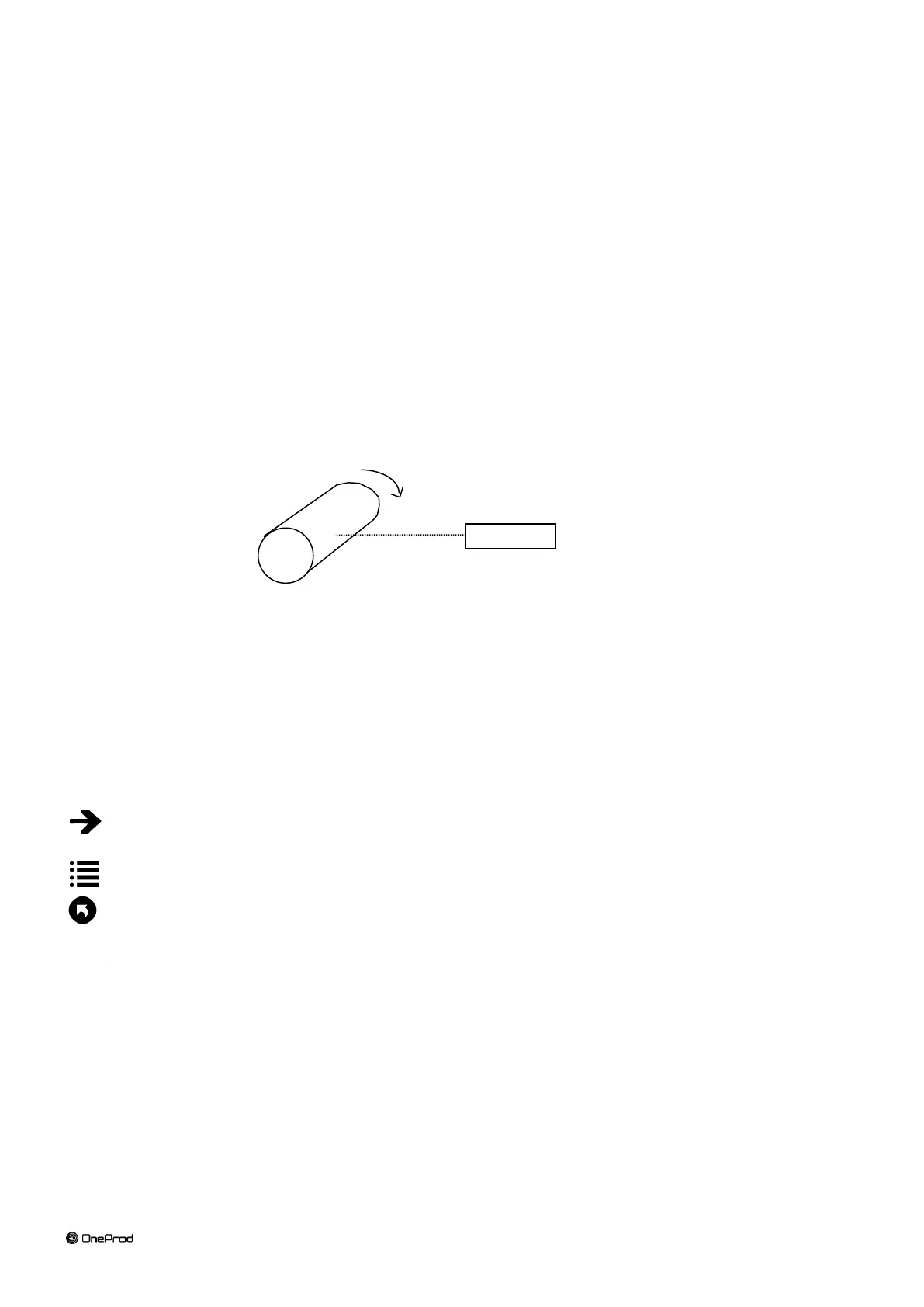
In order to measure the phase, an instrument must be installed, that generates an electric pulse at each rotation.
Use following accessories:
ACC1072000 OPT-TRG-LAS 5V PWS: optical triggering device with laser sighting
CPC1228000 CABLE ECTC-M12-STR-001.5: 1.5 meter to connect it on FALCON
CPC1226000 CÂBLE RALLONGE M12 5M: 5 meter cable extension
850910 OPTAPE: adhesive reflective tape. 1 cm must be installed on the rotor
The optical triggering device must be connected to connector C
The optical triggering device can be installed easily with following accessories:
ACC1055000 Magnetic support
ACC1056000 Three-finger clamp
For the setting of the tachometer input see § 2.4.
A pulse is sent to FALCON for each rotation of the machine.
4.5 SETUP
This screen includes 4 tabs. They are used to define the balancing and the type of measurement used to perform
the balancing process.
Values can be directly modified. If some modifications have been made, a confirmation message to save them or
not is asked before going to another screen.
Once the setup is completed, it is possible to:
Go to the next step: Run out measurement if you are using proximity probes (see § 4.6) or Free run in other
cases (see § 4.7)
Go to the steps browser to reach directly any other accessible step (see § 4.11)
Exit: return to balancing test list (see § 4.3)
Notes:
If some modifications have been made, a confirmation message to save them or not is asked before going
to another screen.
When a measurement is already done, it is normal that some setting cannot be modified.



 To Next Page