46
3.5.7 Explore the route
This function shows the contents of the route. Two modes are available:
List mode: to see the machines of the route or the points of a machine in the order of measurement.
Map mode: to see machines and sub-location positioned on the picture of their location or the point
positioned on the picture of their machine in a simailar way as NEST machine supervision.
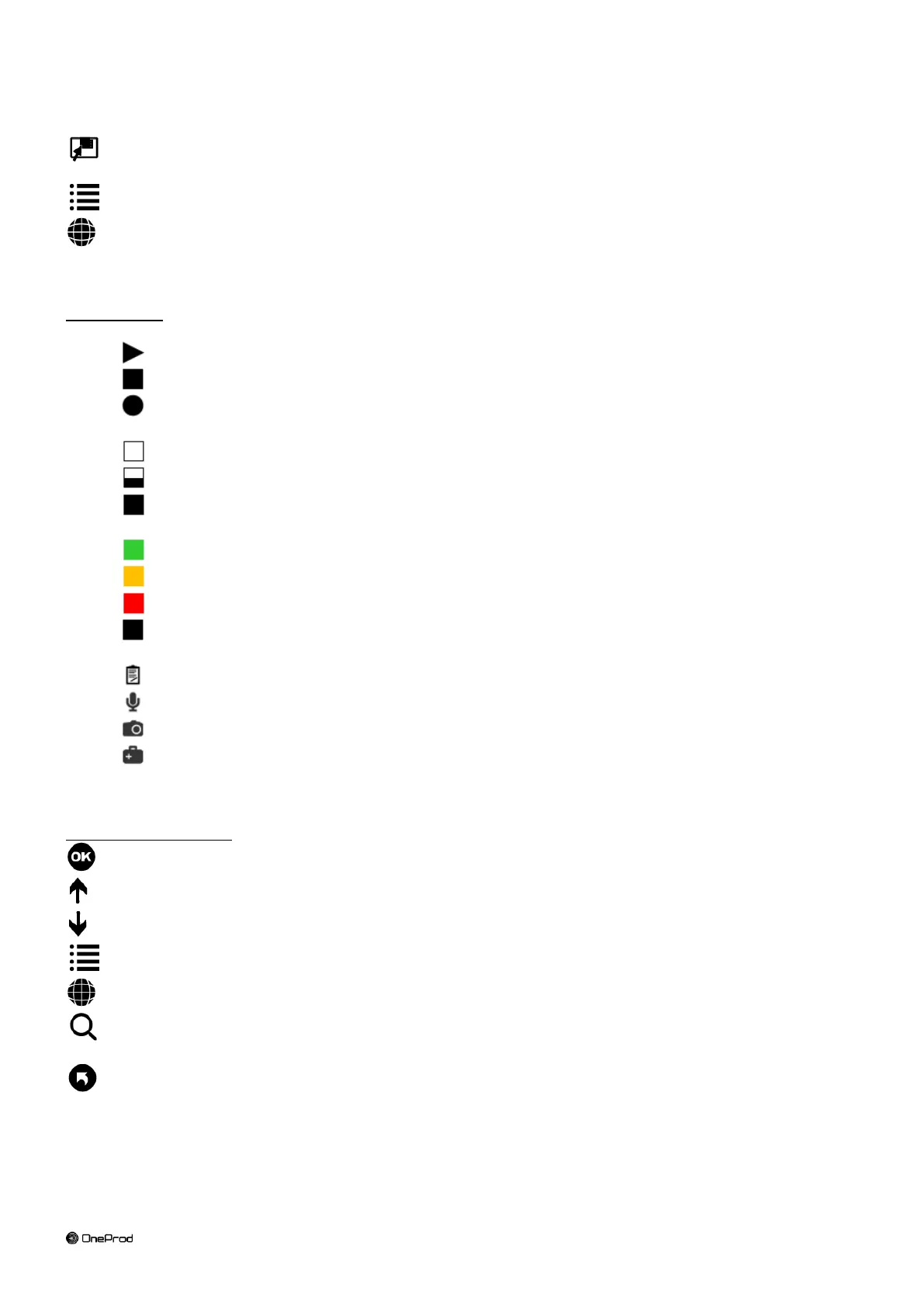
Symbols used:
Type of element:
Location or sub-location. In the machine list, it indicates the 1
st
machine of a location.
Machine
Point
Measurement completude:
Not measured
In progress
Completed
Status for Alarm or Diagnosis advice
OK or Good
Alarm or Still Acceptable
Danger or Not Acceptable
Error
Additional indicator in List mode
Text inspection note
Vocal inspection note
Inspection picture
Machine configured with diagnosis
Functions of the screen:
Go to “Measurement list” screen corresponding to the item selected in the list or in the map
Go up to next level (point > machine > sub-location > … > location)
Go down to the item selected in the list or in the map.
Go to list mode
Go to map mode. This mode is not available in “OFF_ROUTE” route (See § 3.7)
Search: input a character string and search in the list the next machine name including it.
This function is in List mode only
Return to route list



 To Next Page