63
4.2 FOLDER LIST
This creates a management folder used to sort balancing tests. A folder can be used to store, for example, tests on
the same machine or all balancing done for a customer.
Functions of the screen:
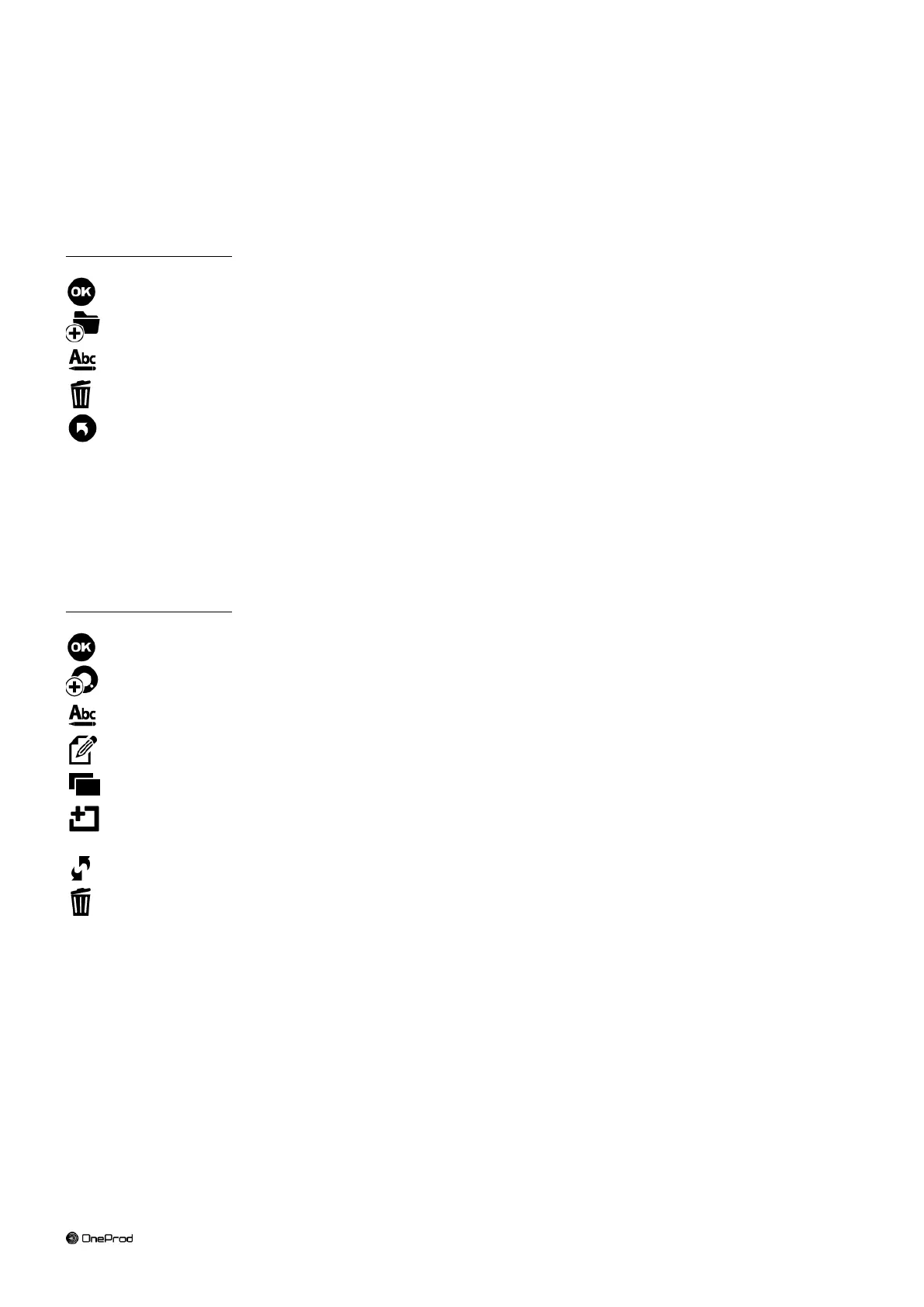
Go to selected folder: see § 4.3.
Create a new folder in the list.
Change the name of selected folder.
Delete selected folder.
Return to Home screen.
4.3 BALANCING LIST
This screen displays the list of balancing tests of a folder. If a measurement has been done the list shows also the
last measurement date.
Functions of the screen:
Go to selected balancing test.
Create a new balancing test in the list.
Change the name of selected balancing test.
Create a report of selected balancing test: see § 4.13.
Copy selected balancing test in the clipboard.
Paste in the list the balancing test from the clipboard. Only the setup is pasted. No measurement or result
is copied.
Reset: erase all measurements and results of selected balancing test.
Delete selected balancing test.



 To Next Page