9
1.6 ELECTRIC CONNECTIONS
All external circuits connected to the instrument must be non-hazardous voltage sources and be energy limited as
explained in sections 6.3 and 9.4 of the IEC61010-1 standard
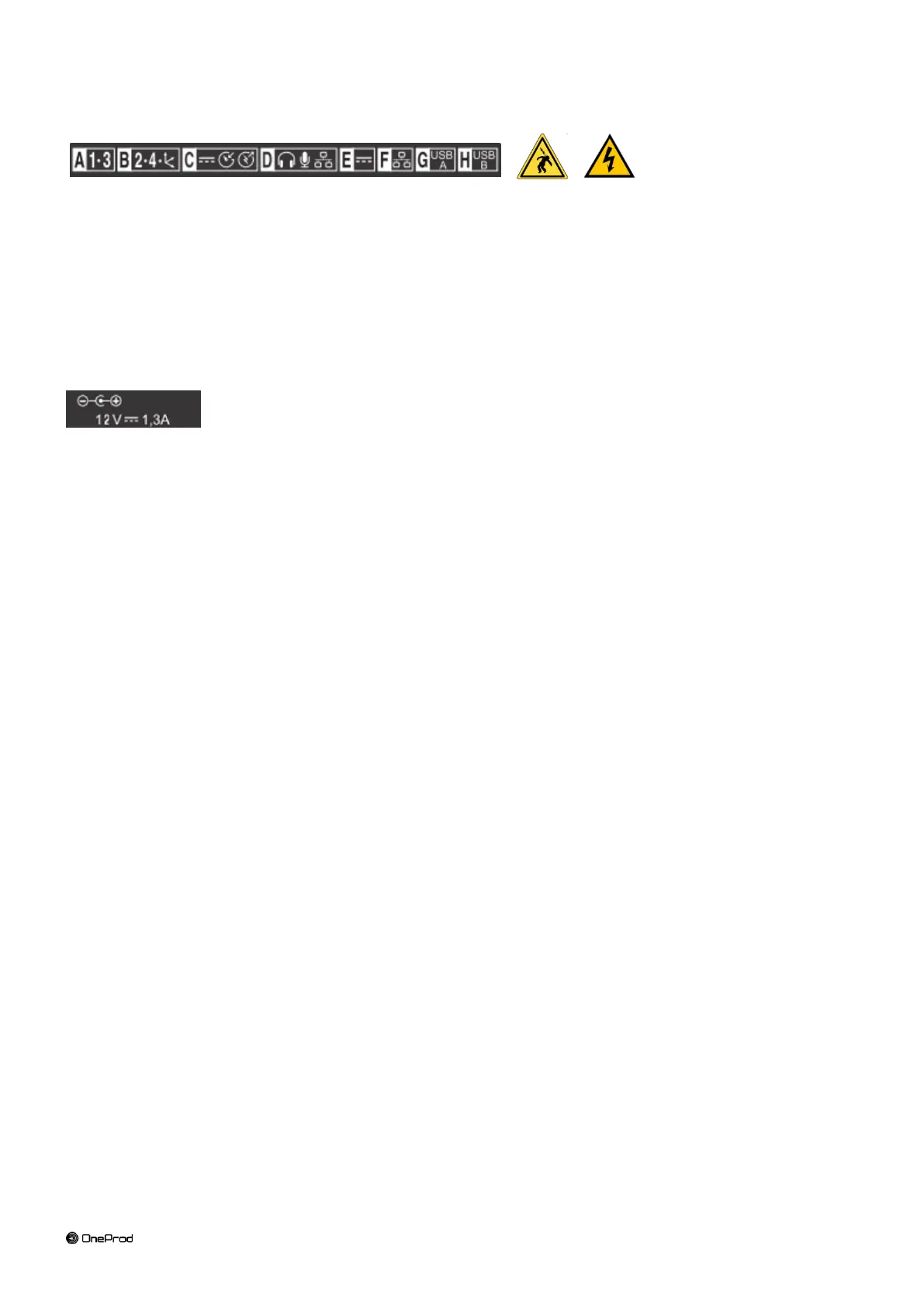
Do not exceed maximum input voltage on the A/B/C/D connectors: maximum input voltage ±24 V DC, ±24 V AC
peak.
All external circuits connected to the collector must carry non dangerous voltage as defined in Standard IEC61010-
1 (Paragraph 6.6)
Do not exceed maximum input voltage and current intensity for the power supply delivered by the mains block (see
chapter “Mains power block” of the safety instructions).
Use the cables designed for the different types of measurement.
If possible, protect the unused connectors using the plastic caps provided.
1.7 FIRST POWER-UP
The instrument turns on automatically a few seconds after being connected to the mains through the power supply
module. If the battery level is too low, the charge starts and goes on as long as the instrument is connected to its
power supply.
When using a new battery, leave the battery in charge for about 10 hours in order to achieve full charge. Do not
use the instrument prior to 2-3 hours of charge. Usual charging time is about 6 hours when instrument is switched
off.
On-Off:
o Power on: press the On-Off key
o Power off: press the On-Off key, then message “Shutdown”
Battery charge:
o Connect the instrument to the charger
o Connect the charger on the main. The instrument is automatically powered on. During the charge you
can continue to use it. For a faster charge it is recommended to switch-off the instrument. A full charge
requires about 6 hours.
It is recommended to disconnect the charger from the main when you are not using it.



 To Next Page