108 Instruments and controls
Personalisation
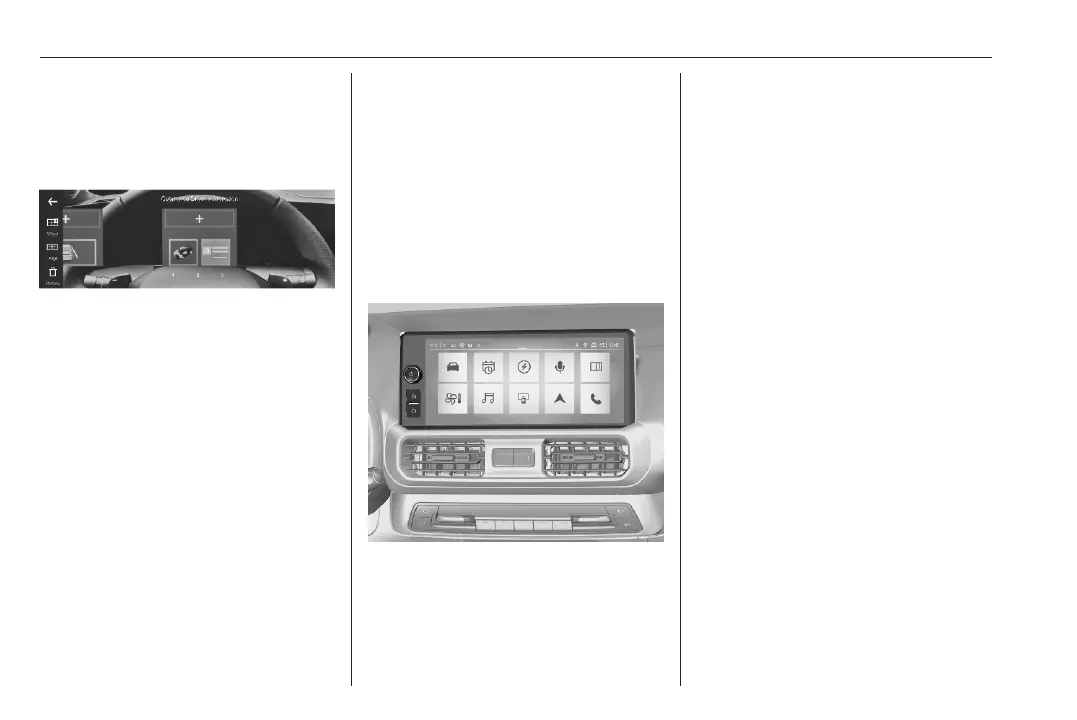
The Driver Information Centre can be
personalised via the menu in the Info
Display.
Several pages can be created by
choosing widgets to be displayed.
Personalisation 3 114.
Infotainment system 3 128.
Info Display
The Info Displays can indicate:
● time 3 90
● outside temperature 3 89
● date 3 90
● Infotainment system 3 128
● indication of rear view camera
3 235
● indication of panoramic view
system 3 232
● indication of parking assist
instructions 3 222
● navigation 3 128
● vehicle and system messages
3 112
● settings for vehicle
personalisation 3 114
Navigation System / Multimedia
Pro
Selecting menus and settings
There are three options to operate the
display:
● via buttons beside the display
● via touchscreen
● via the voice assistant
Button and touch operation
Press ) to switch on the display.
Press ? to display the home screen.
Press _ to select vehicle settings or
driving functions.
Touch required menu display icon or
a function with the finger.
Confirm a required function or
selection by touching.
Touch 3 or & on the display to exit
a menu without changing a setting.
Infotainment system 3 128.
Speech recognition
Infotainment system 3 128.
Personalisation
The Info Display can be personalised
via the personalisation menu.



 To Next Page