160 Infotainment system
3. Select the Bluetooth device you
wish to pair from the displayed list.
4. Confirm the pairing procedure:
● If SSP (secure simple
pairing) is supported:
Confirm the messages on the
Infotainment system and the
Bluetooth device.
● If SSP (secure simple
pairing) is not supported:
On the Infotainment system:
a message is displayed
asking you to enter a PIN
code on your Bluetooth
device.
On the Bluetooth device:
enter the PIN code and
confirm your input.
The Infotainment system and
the device are paired.
5. The phone book is downloaded
automatically to the Infotainment
system. Depending on the phone,
the Infotainment system must be
allowed access to the phone
book. If required, confirm the
messages displayed on the
Bluetooth device.
If this function is not supported by
the Bluetooth device, a
corresponding message is
displayed.
Operations on paired devices
Press a, select TEL and then select
Bluetooth connection.
A list of all paired devices is
displayed.
Changing the Bluetooth profile
settings
Touch % next to the desired paired
device.
Activate or deactivate the profile
settings as desired and confirm your
settings.
Connecting a paired device
Devices which are paired but not
connected are identified by —.
Select the desired device to connect
it.
Disconnecting a device
The currently connected device is
identified by “.
Select the device to disconnect it.
Deleting a paired device
Touch e in the upper right corner of
the screen to display e icons next to
each paired device.
Touch e next to the Bluetooth device
you want to delete and confirm the
displayed message.
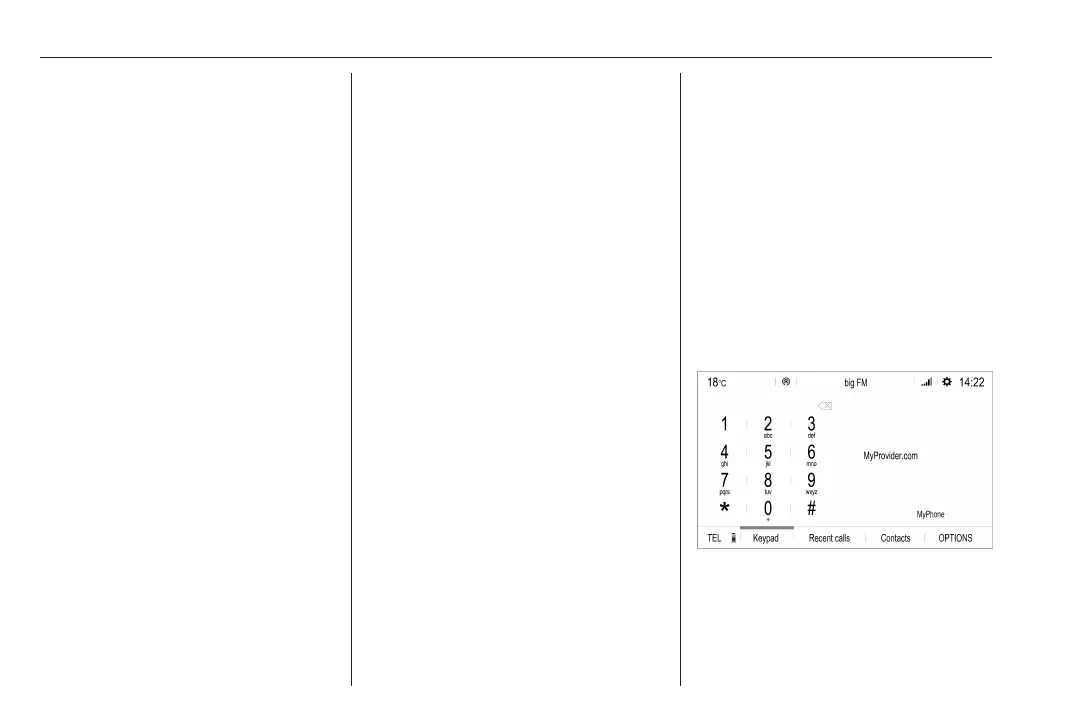
Phone main menu
Press a to display the phone main
menu.
Many functions of the mobile phone
can now be controlled via the phone
main menu (and associated
submenus), and via the phone-
specific controls on the steering
wheel.



 To Next Page