Instruments and controls 109
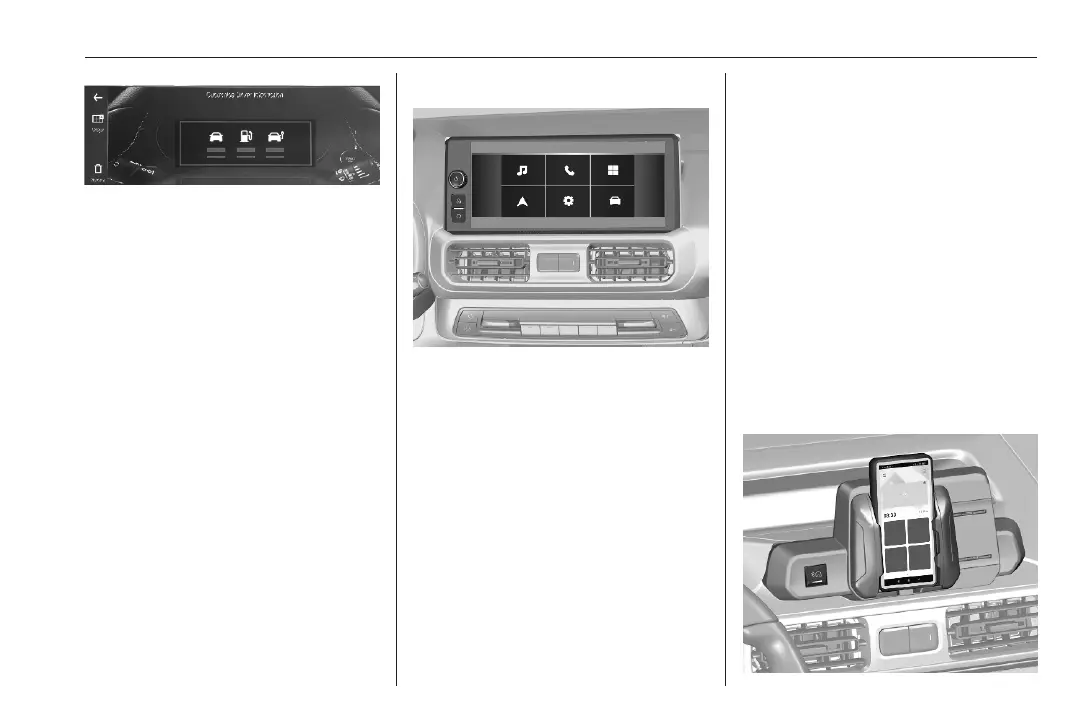
Several pages can be created by
choosing widgets to be displayed.
Personalisation 3 128.
Energy flow
This menu displays the current
energy flow within the electric system.
The components will be highlighted
when they are active.
1. Press ?.
2. Touch a.
3. Select Energy Flow.
Different colours show which engine
is used and whether energy is
regenerated.
● green: regenerating energy
● blue: electric engine operating
Multimedia
Selecting menus and settings
There are three options to operate the
display:
● via buttons beside the display
● via touchscreen
● via the voice assistant
Button and touch operation
Press ) to switch on the display.
Press ? to display the home screen.
Press _ to select vehicle settings or
driving functions.
Touch required menu display icon or
a function with the finger.
Confirm a required function or
selection by touching.
Touch 3 or & on the display to exit
a menu without changing a setting.
Multimedia 3 147.
Speech recognition
Multimedia 3 147.
Energy flow
Note
On vehicles equipped with the
Multimedia infotainment system, this
menu can only be used via the
MyOpel App.
Smartphone Station



 To Next Page