232 Driving and operating
The camera is mounted at the bottom
of the exterior mirror on the
passenger side.
The area displayed by the camera is
limited. The distance of the image that
appears on the display differs from
the actual distance.
Camera with view to the rear
The camera shows the blind spot
area of the passenger side.
The passenger side view is displayed
beside the standard rear view in the
rear view display 3 110.
Switching on
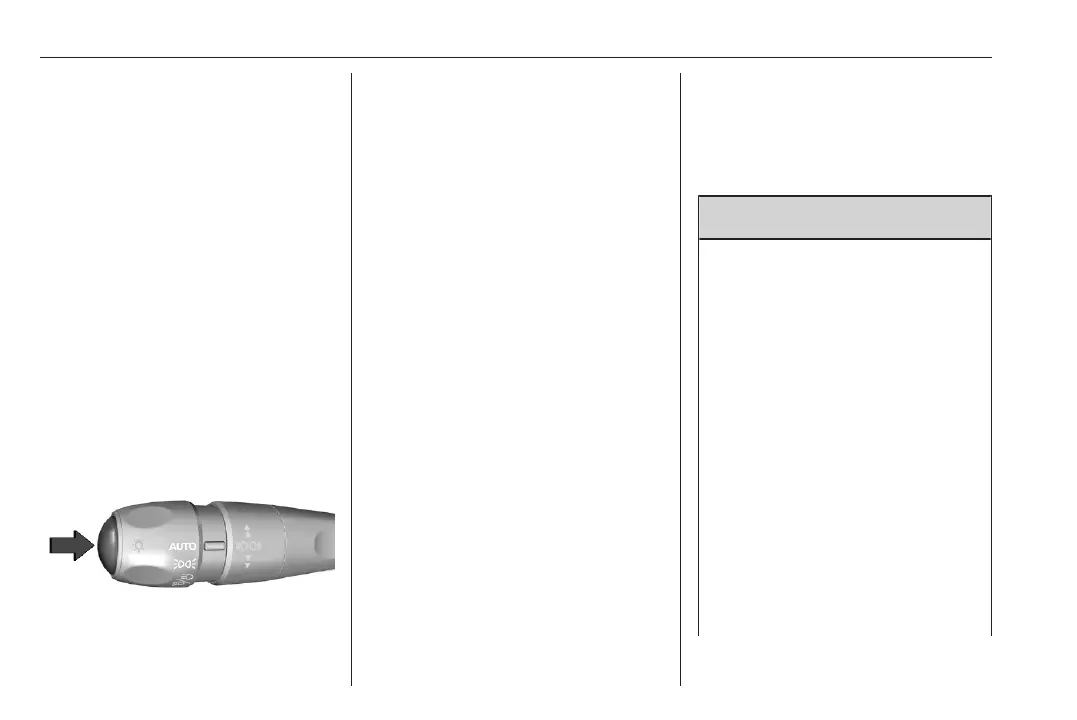
The camera is switched on when the
vehicle is running in forward gear and
the passenger side view is selected
from the rear view display or by
pressing the button on the lever.
Switching off
The camera is deactivated when
another view type is selected.
System limitations
The passenger side camera may not
operate properly when:
● the surrounding is dark
● the beam of headlights is shining
directly into the camera lenses
● weather limits visibility, such as
fog, rain, or snow
● the camera lenses are blocked
by snow, ice, slush, mud, dirt.
Clean the lense, rinse with water,
and wipe with a soft cloth
● there are extreme temperature
changes
Panoramic view system
This system allows views of the
vehicle's surroundings to be
displayed as a nearly 180° picture in
the Info display, like a bird's eye view.
9 Warning
The panoramic view system does
not replace driver vision. It will not
display children, pedestrians,
cyclists, crossing traffic, animals,
or any other objects outside of the
camera view area, e. g. below the
bumper, or underneath the
vehicle.
Do not drive or park the vehicle
using only the panoramic view
system.
Always check the surrounding of
the vehicle before and during
driving.
Displayed images may be further
or closer than they appear. The
area displayed is limited and
objects that are close to either



 To Next Page