252 Driving and operating
Note
Depending on version,
programmable charging can only be
used via the MyOpel App.
Depending on the infotainment
system, there are two different ways
to use programmable charging via the
Info Display:
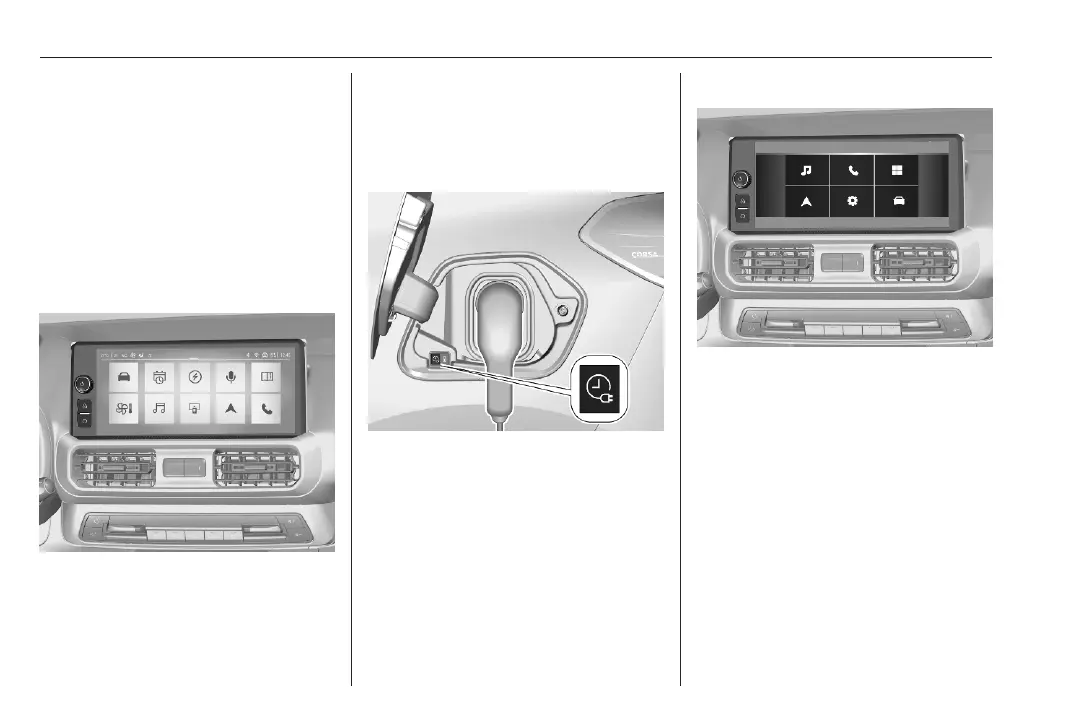
Navigation System / Multimedia
Pro
1. Press ?.
2. Touch a.
3. Select Charging.
4. Touch b.
5. Define the number of hours and
minutes after which the charging
process starts.
6. Touch OK.
7. Plug in the vehicle.
8. Within one minute, press b to
activate programmable charging.
9. Depending on version, lock the
vehicle.
The status indicator illuminates blue
indicating that programmable
charging is active.
Charging 3 249.
Charging status 3 253.
Multimedia
1. Press d.
2. Touch b.
3. Define the number of hours and
minutes after which the charging
process starts.
4. Touch A to confirm.
5. Plug in the vehicle.



 To Next Page