174 Climate control
Type A
Touch ; on the Info Display to open
the climate settings.
Touch OPTIONS.
Touch = or select the menu for
temperature preconditioning.
Touch + to define a new timer.
Touch --:--.
Enter time and day.
Press A to confirm the settings.
Press ON to activate the timer.
To delete a timer, press f at the top
of the Info Display and delete the
desired timer.
Confirm the deletion.
The heating / ventilation procedure
starts approx. 45 minutes before the
programmed time, and is maintained
ten minutes after it.
Type B
Touch ; on the Info Display to open
the climate settings.
Touch n and then select the
preconditioning settings menu.
Select g to define a new timer or
touch L next to a timer to edit it.
Activate the timer.
To delete a timer, select the desired
timer and press Z at the lower left
corner of the screen.
The heating / ventilation procedure
starts approx. 45 minutes before the
programmed time when the vehicle is
plugged in, or 20 minutes before the
programmed time when it is not
plugged in, and is maintained ten
minutes after it.
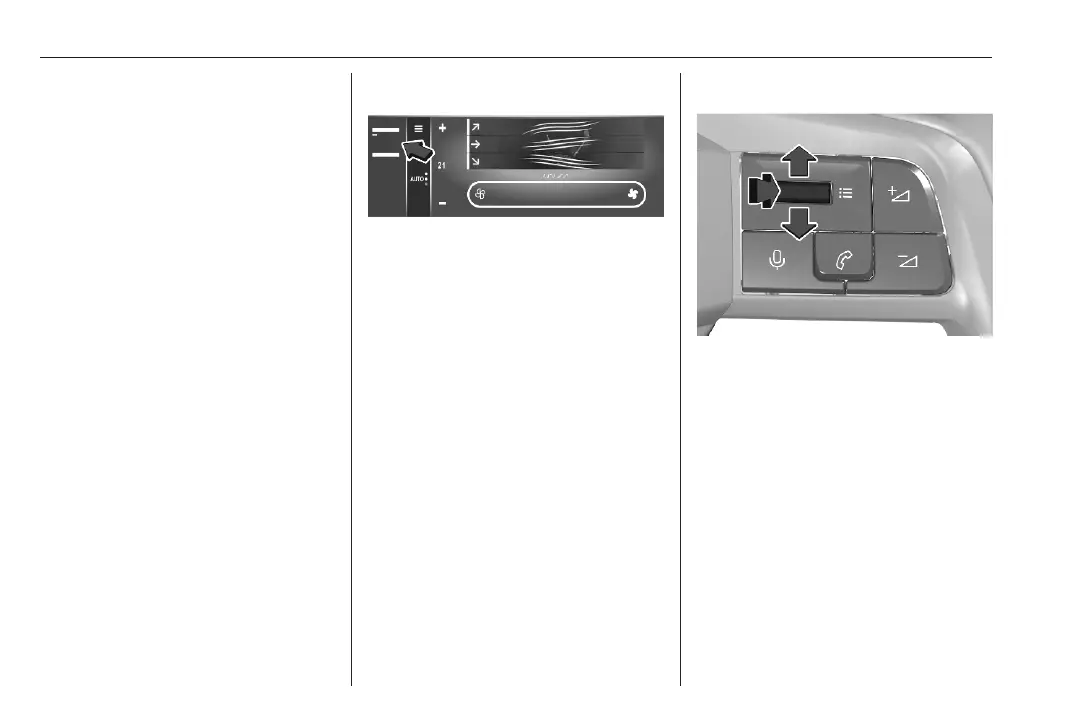
Type C
Short press: display the settings of
the vehicle.
Toggle up or down and select the
climate settings menu. Press the
toggle to confirm the selction.
Select the preconditioning settings
menu and select one of the following
options:
● New Precondition
● Already existing precondition
Press the toggle to define a new
timer.
Select time and date and press the
toggle to confirm.



 To Next Page