Instruments and controls 115
Multimedia
Driver assistance systems
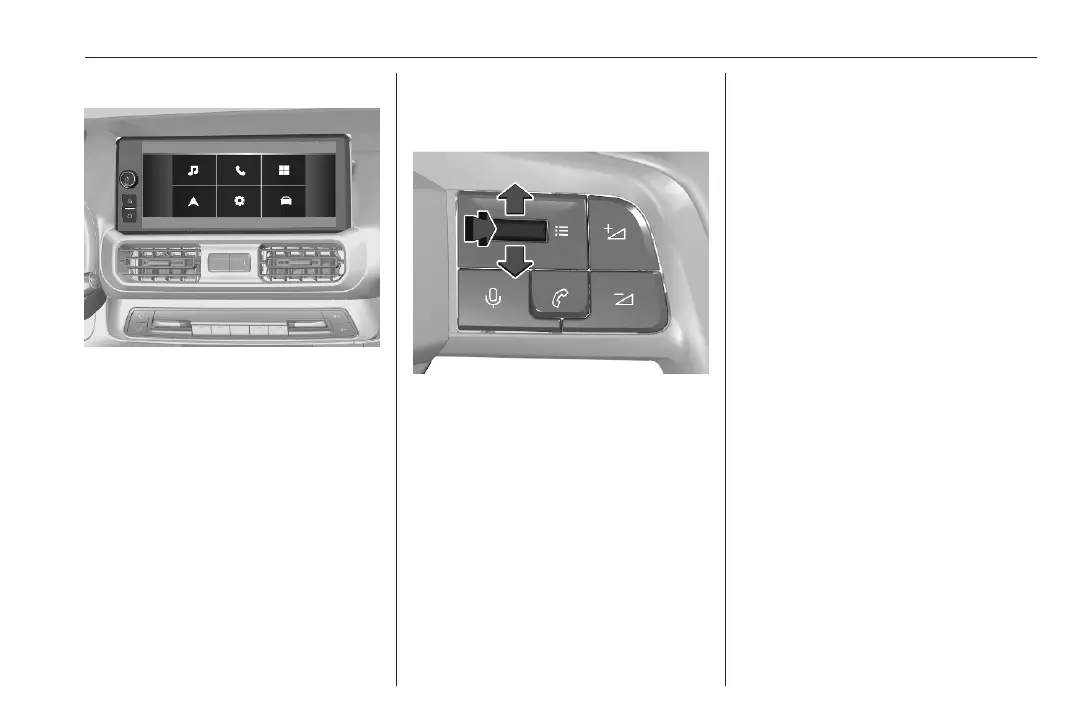
Press ? to display the home screen.
To display the settings of the
advanced driver assistance systems,
press _.
Vehicle settings
Press ? to display the home screen.
To display the settings of the vehicle,
press _.
Smartphone Station
Vehicle settings and driving functions
Short press: display the settings of
the vehicle.
Long press: display the previous
page.
Toggle up or down: scroll through the
settings menus.
Select on of the following settings:
● Driving assistance
● Vehicle
● System
● Climate
Press the toggle to confirm the
selection.
If you do not press the toggle, the
selected menu is automatically
closed after a few moments.



 To Next Page