150 Infotainment system
3 : Short press: accept an incoming
call, hang up, display the list of
recent calls or display the phone
projection screen.
Long press: refuse an incoming
call.
4 : Short press: activate the voice
assistant of the Infotainment
system.
Long press: activate the voice
assistant of the connected mobile
phone.
Menu operation
The display of the Infotainment
system has a touch-sensitive surface
that allows direct interaction with the
displayed menu controls.
Caution
Do not use pointed or hard items
like ballpoint pens, pencils or
similar for touch screen operation.
Selecting or activating a screen
button or menu item
Touch a screen button or menu item.
The corresponding system function is
activated, a message is shown, or a
submenu with further options is
displayed.
3, & and A / OK screen buttons
When operating the menus, touch
3 or & in the respective submenu
to return to the next higher menu
level.
When no 3 or & screen button is
displayed, you are on the top level of
the respective menu.
On some screens A / OK needs to
be touched for confirmation after
selecting menu items or changing
settings. Otherwise all performed
selections or settings will be lost.
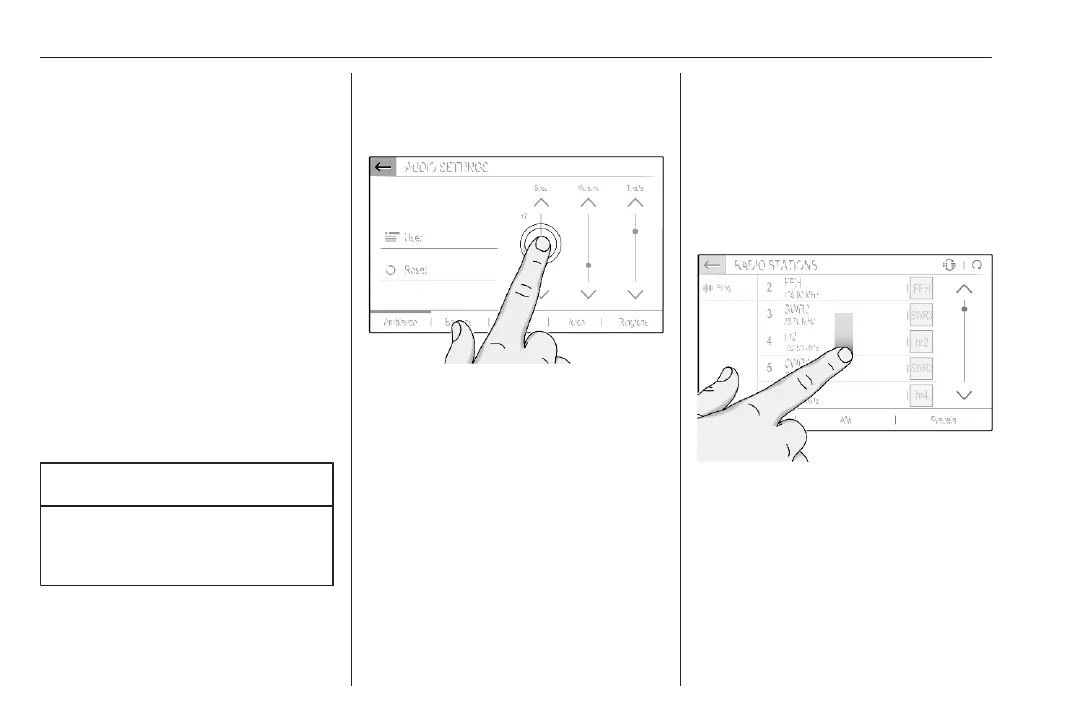
Scrolling a list
If there are more items available than
presentable on the screen, the list
must be scrolled.
To scroll through a list of menu items,
you may optionally:
● Place your finger anywhere on
the screen and move it upwards
or downwards.



 To Next Page