OpenText Tableau Forensic TX1 Imager
The Information Company 103
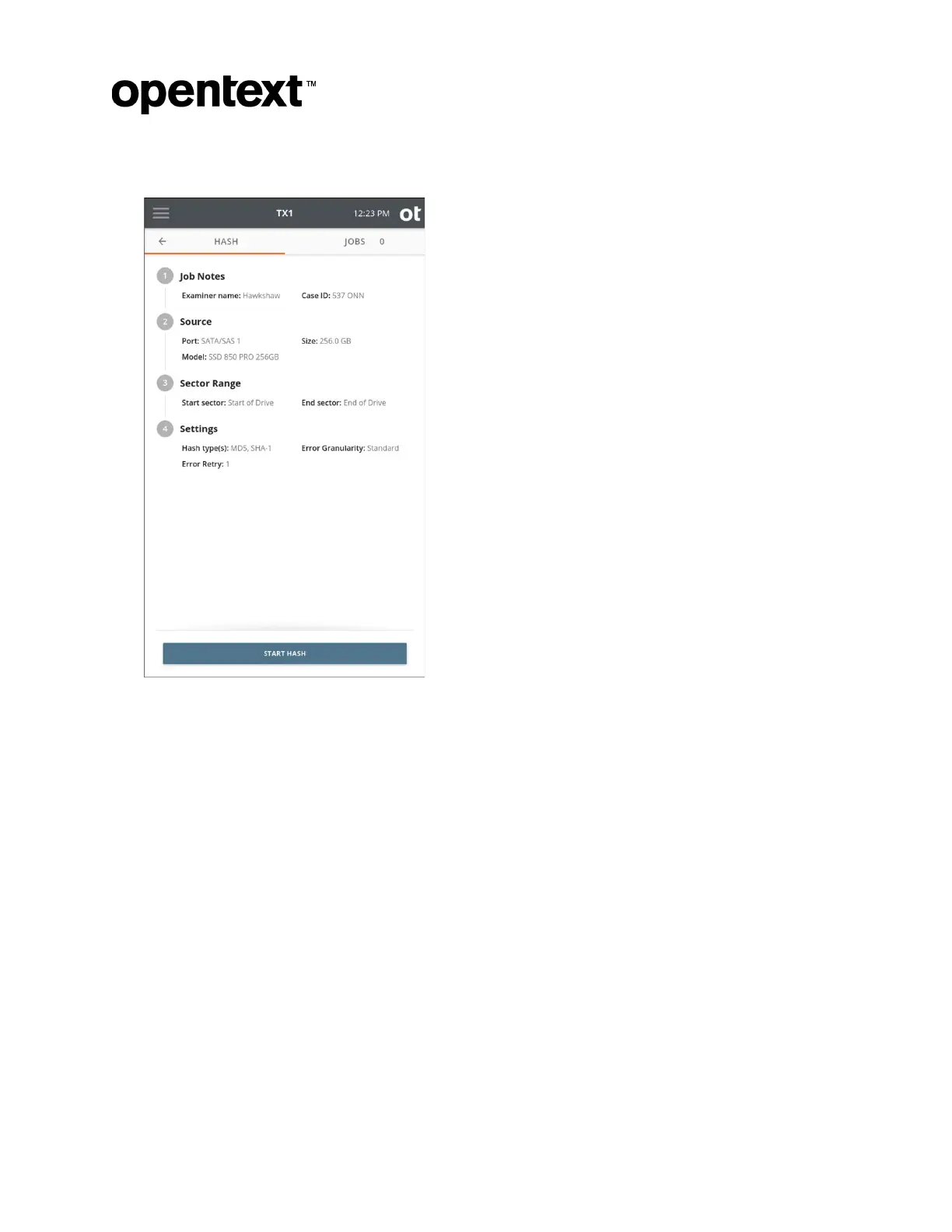
2. Enter Job Notes and select a Source drive.
3. Selec
t a Sector Range for the hash. The default settings will always provide a full
drive hash, but certain situations (such as a failing source drive with bad sectors)
could benefit from a partial drive hash. Partial drive hashes are defined by start and
end sector values. These sector values can be set in two ways, as follows:
1. Use the radio buttons to select your range. This will typically be partition-based if
the drive has one or more partitions, or the entire drive if no partition table exists.
Copyright © 2022 Open Text. All rights reserved. Trademarks owned by Open Text.



 To Next Page