48 The Information Company
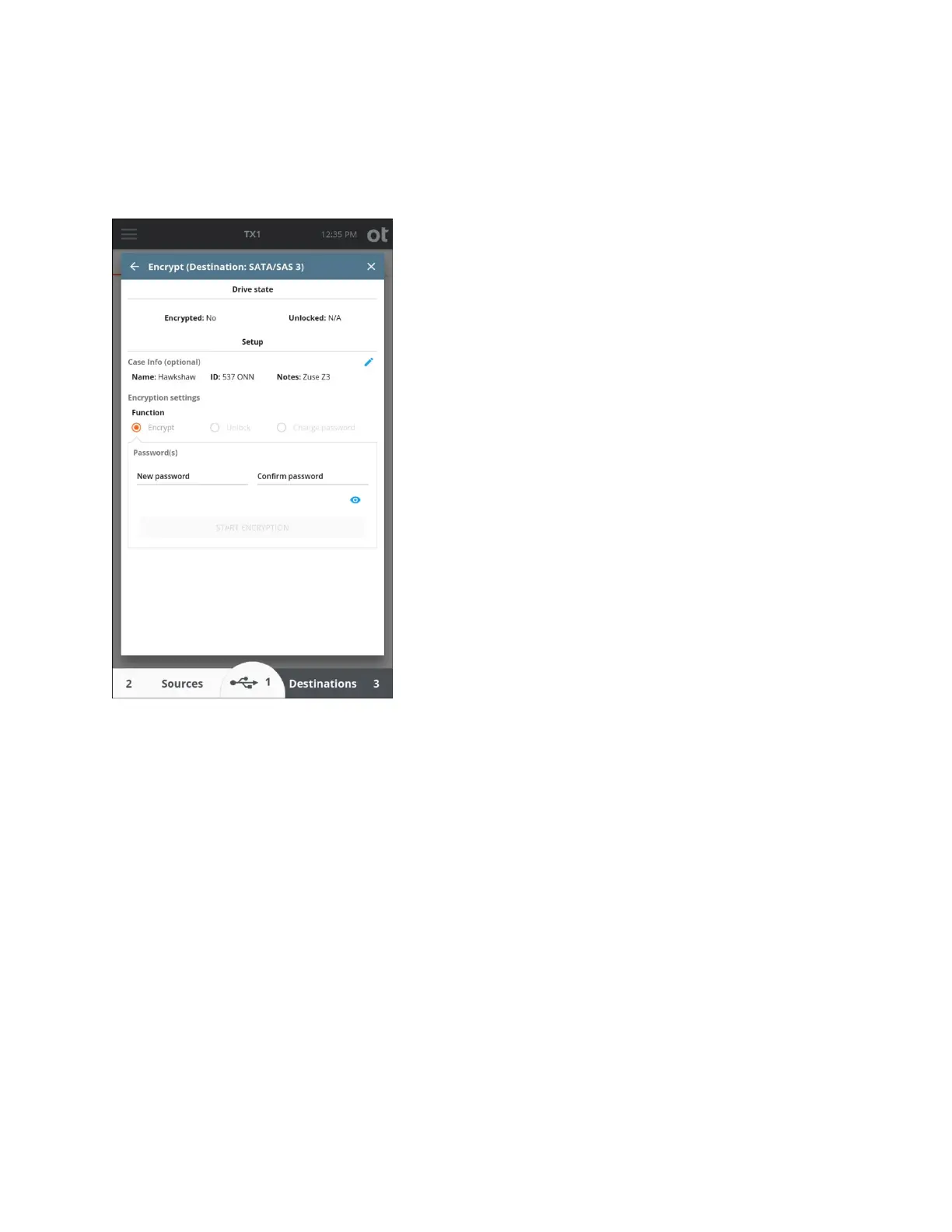
A Tableau-encrypted source drive can be unlocked with the password to allow browsing
or imaging of the contents of the encrypted container.
A Tableau
-encrypted destination or accessory drive can be unlocked with the password
to allow browsing or imaging to the encrypted container.
The encryption password can be changed only on destination and accessory drives, as it
requires a write modification to the encrypted header.
OpenText is not able to recover lost passwords for TX1 encrypted media, so take
appropriate steps to ensure you never lose your password.
To remove encryption from a drive, connect the drive to TX1 as a destination or
accessory and wipe the drive.
3.3.5 Encryption unlock
TX1 can unlock drives/volumes that have been encrypted with APFS, BitLocker, and
Opal. APFS encryption support is limited to source drives, but BitLocker and Opal
encrypted media can be unlocked regardless of which port they are connected to. Note
that this section is specific to non-Tableau encryption, mainly because none of these
encryption types can be formatted directly on TX1. See the “Tableau encryption
management” media utility on page 47 for details on usage of that method of encryption.
Copyright © 2022 Open Text. All rights reserved. Trademarks owned by Open Text.



 To Next Page