OpenText Tableau Forensic TX1 Imager
The Information Company 57
the currently selected folder/file. Below that is the main browse window, which shows the
complete filesystem tree including all folders/files contained on the drive or share.
In the browser portion of the window, you can scroll up and down the list of folders/files
and tap individual folders to drill down to the desired level to expose the names of
individual files located on the drive. Note that the size of each file is shown at the end of
the filename. Many users will find this utility helpful when attempting to triage a large
evidence set and determine the priority by which each drive should be imaged, or when
checking the contents of a destination drive to free up space by deleting unneeded
directories and files.
Note: Certain text and image files can now be viewed directly on TX1. See “Viewing text
and image files” on page 135 for more information on this feature.
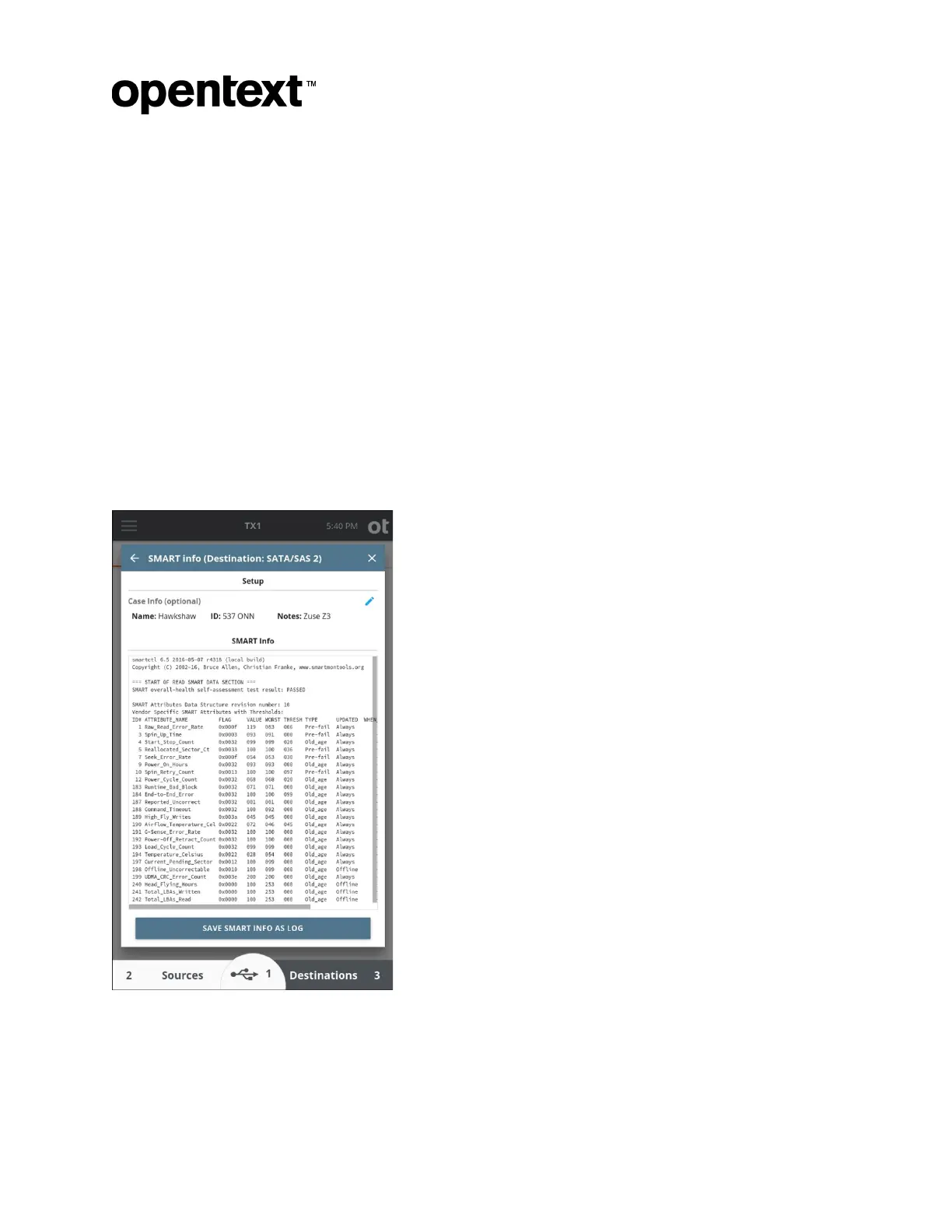
3.3.9 SMART data
This media utility is available for ATA drives that support SMART data reporting.
Selecting this feature will display available SMART data as reported by the drive.
This inf
ormation can be annotated with case info and saved as a log.
Copyright © 2022 Open Text. All rights reserved. Trademarks owned by Open Text.



 To Next Page