164 The Information Company
• Locking the system (PIN lock) from any location (local or any remote user instance)
will lock all the active screens.
4.11.1 SSL certificate setup and installation
TX1 uses SSL certificates to ensure secure communication during remote sessions. By
default, TX1 generates a new self-signed certificate on power up if one does not already
exist on the system. These self-signed certificates expire after one year, and TX1 will
automatically generate a new one before expiration. Users can manually initiate a new
TX1 self-signed certificate or install their own SSL certificates.
To either generate a new self-signed certficate or install a user certificate with TX1:
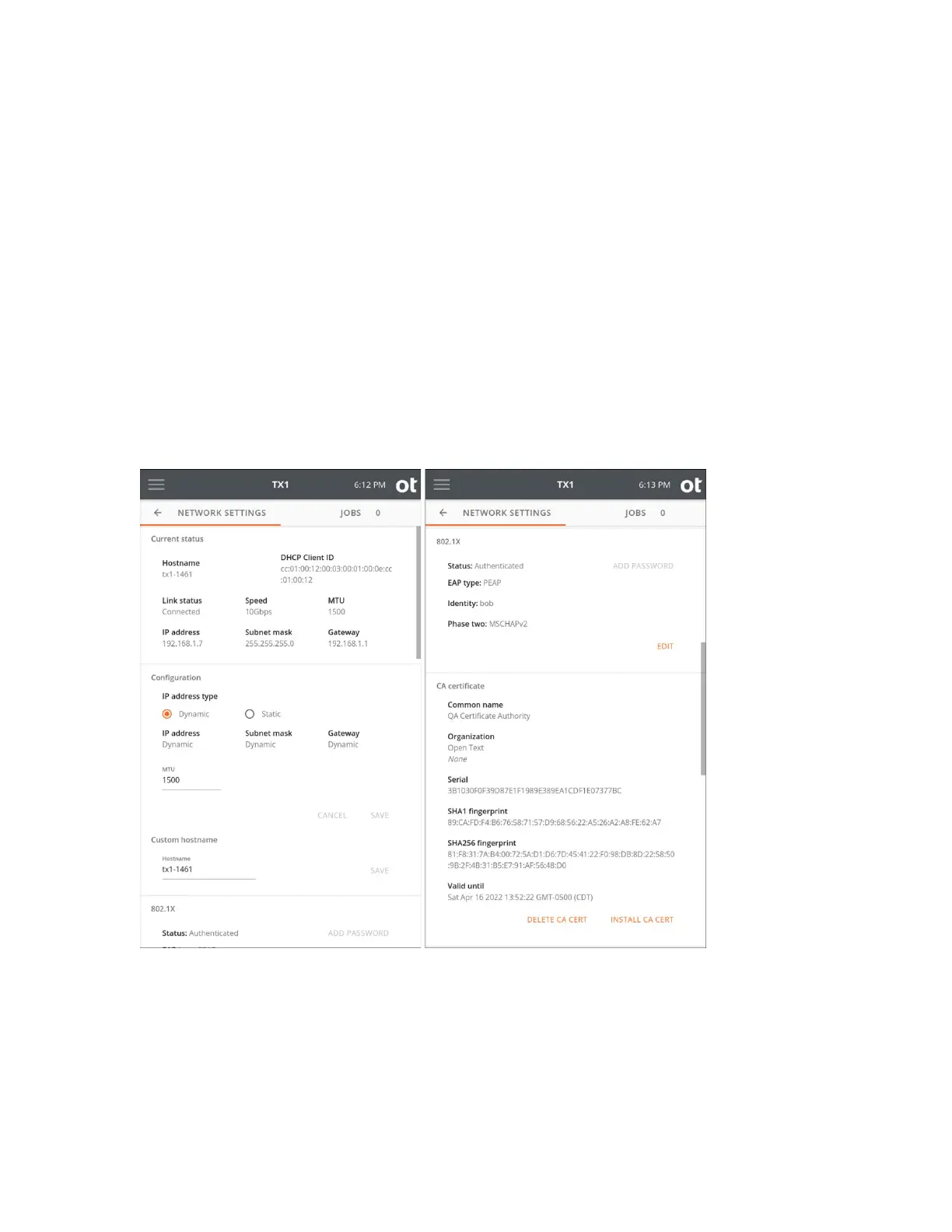
1. Open the side navigation menu and click Network settings. Current status,
Configuration, Custom hostname, 802.1X settings, CA certificate, Client
certificate, and HTTPS certificate details are displayed.
Copyright © 2022 Open Text. All rights reserved. Trademarks owned by Open Text.



 To Next Page