30 The Information Company
3.2.4 User management
In some forensic work environments, it may be desirable to set up distinct users with
unique passwords to limit access to the available TX1 units. Also, with the addition of
remote access capability, the ability to set user credentials has become a security
requirement. TX1 ships with a default user named User1, which has administrator rights
but no password and no remote access. User1 also has Auto Login enabled (which is
only possible for users with no set password). These defaults make TX1 easy to use in
environments that do not require user management or remote access.
If your work environment would benefit from setting up individual users with credentials,
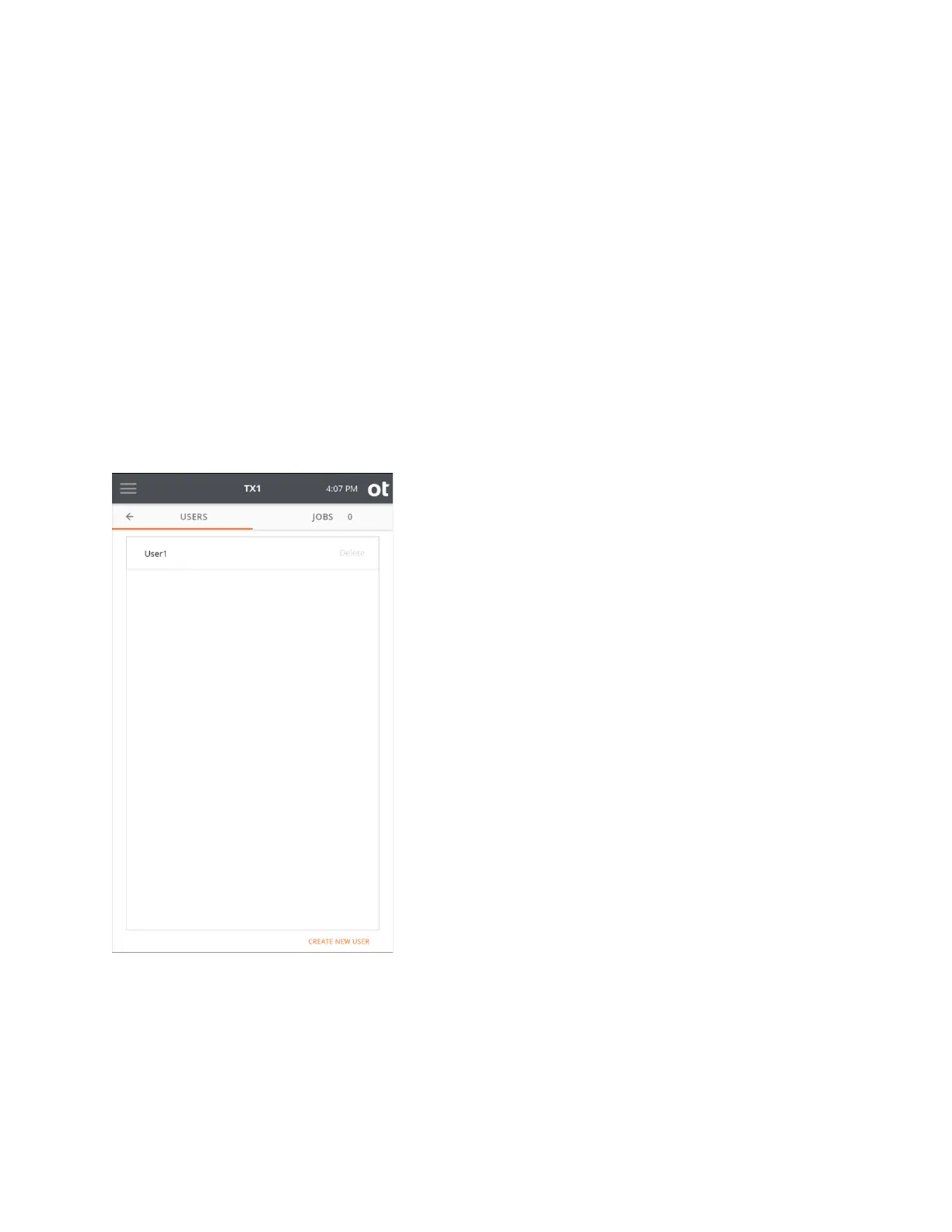
or to simply add remote access capability to any user (even default User1), tap the Users
item from the side navigation menu. A list of users who are set up are displayed on the
left tab. An example of the initial user list screen (with only default User1) is shown below.
From this initial user list screen, a user with administrator rights can delete or modify any
existing user and create new users.
Note: Only users with administrator rights (including default User1) can access this User
Management area of TX1. If a user is logged in who does not have administrator rights
enabled, the Users button on the side navigation menu will be grayed out and unusable.
Copyright © 2022 Open Text. All rights reserved. Trademarks owned by Open Text.



 To Next Page