66 The Information Company
Note: Use extreme caution when attempting to copy a source drive to a same size or
smaller destination drive. Image file formatting adds overhead and, when coupled with
incompressible data (such as encrypted data), a larger destination drive may be needed.
4.3.3 Performing a duplication
To perform a duplication:
1. Follow the steps listed in “Connecting drives” on page 61 to connect the source drive
and all relevant destination drives.
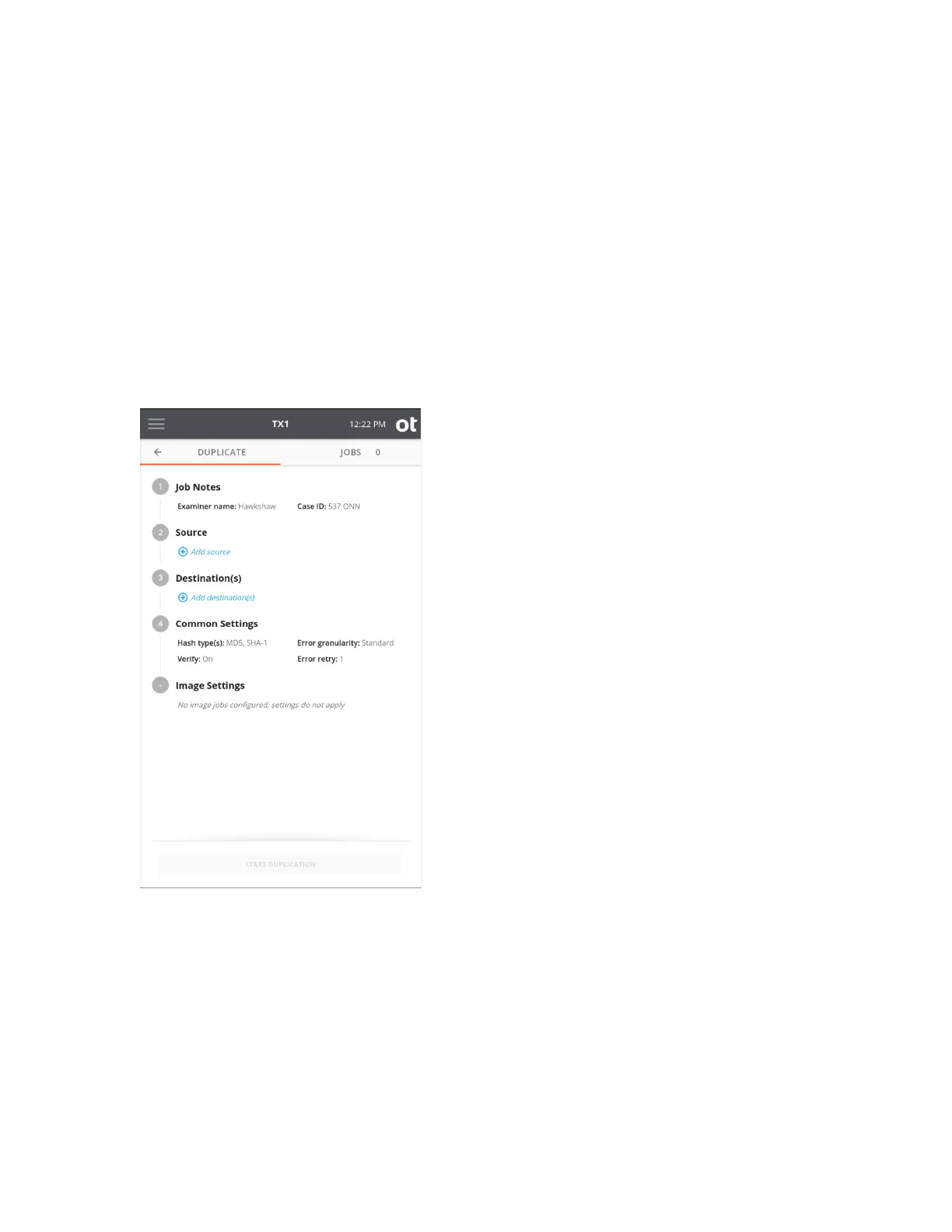
2. From the Home screen, tap the Duplicate icon. The Duplicate job setup screen is
displayed.
The job setup screen is organized in a natural workflow from top to bottom, but most
steps and settings can be accessed in any order. The default values display for each step
and setting. Tap on the step number or heading to expand the section and view or
change the settings.
If only one source and one destination are connected, they are automatically selected. If
you are satisfied with the default settings and the selected Source and Destination(s)
drives, press the Start Duplication button at the bottom of the screen to begin the job.
Copyright © 2022 Open Text. All rights reserved. Trademarks owned by Open Text.



 To Next Page