OpenText Tableau Forensic TX1 Imager
The Information Company 117
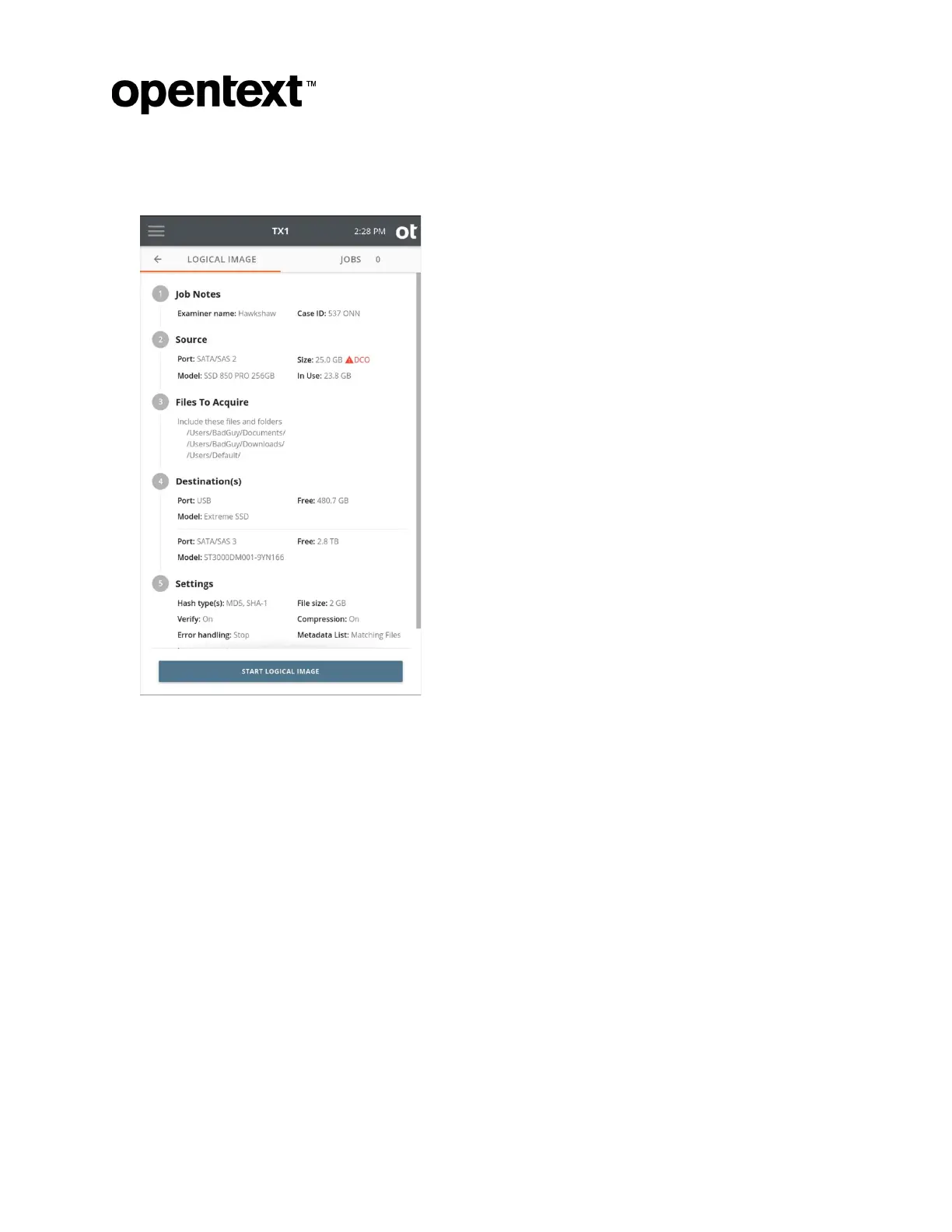
9. Once you are satisfied with all the logical image job settings, tap the Start Logical
Image button.
4.5.2 Include/exclude criteria
From the main Files to Acquire window, searches can be added that will allow for
targeted acquisition of specific file/directory criteria. Select either Add New Search or
Add Saved Search in the Include files that match the searches below box to specify
a search or series of searches to apply to the logical imaging job.
While the screenshots and workflows below reflect the method of creating new searches
during job setup, making use of the saved searches option is encouraged as an efficient
time-saver. This is especially true if specific search types are commonly used for your
logical imaging jobs. Before continuing with information about adding new searches, here
are a few pointers related to the saved searches feature:
• New searches can be created/imported and saved searches can be edited from the
Defaults setting area on the side navigation menu.
• During logical image job setup, new searches can be created, and previously saved
searches can be used/edited.
Copyright © 2022 Open Text. All rights reserved. Trademarks owned by Open Text.



 To Next Page