16 The Information Company
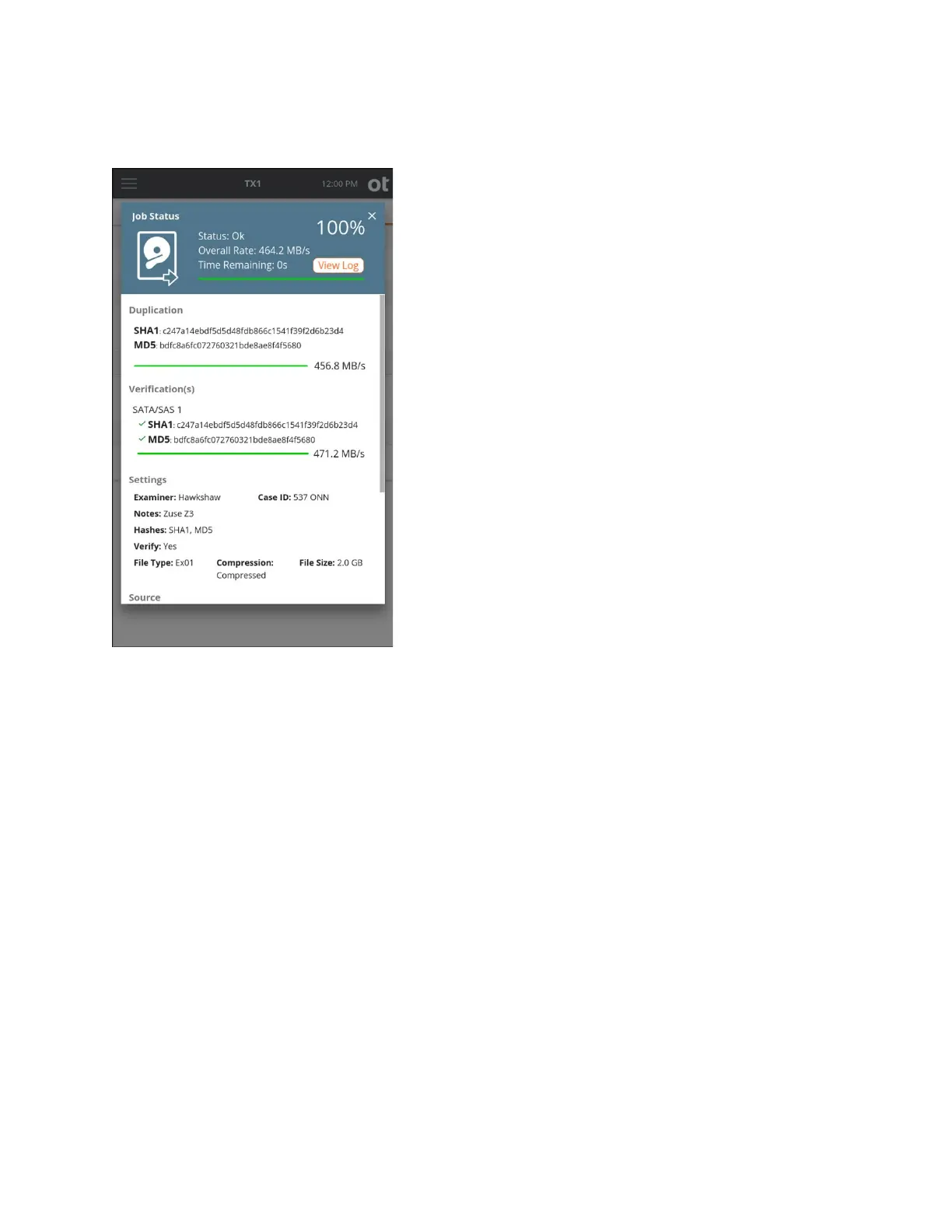
Clicking t
he View Log link immediately displays the detailed text log for that job. You can
easily click back to the Job Status screen or close the log and return to the Home
screen. The link back to the Job Status screen works regardless of the method used to
get into the log details window. For example, if you had navigated to the log details for a
given job through the side navigation menu Logs view, there will be a link at the bottom
of the log to view the Job Status screen (View Job).
Note that the Job Status screen can also be viewed for completed jobs that are shown in
the Recent area of the Jobs tab. Simply tap on the job row from the Recent jobs area and
the final Job Status screen for that completed job is shown, including a link to the job
log.
2.2.5 Quick Reference Guide
TX1 ships with a Quick Reference Guide that illustrates the drive connections, Status
LED, power button, cable recommendations, and tips for getting started. Keep this card
with TX1 as you familiarize yourself with its operation.
Copyright © 2022 Open Text. All rights reserved. Trademarks owned by Open Text.



 To Next Page