170 The Information Company
drive, adapter, or TX1. TX1 must be powered down before removing the drive from any
Tableau PCIe adapter or removing a PCIe drive/adapter from the TX1 PCIe port.
5.1 PCIe SSD adapters
Tableau PCIe SSD adapters enable the acquisition of PCIe based SSDs of various types
via TX1’s PCIE source port. The following adapters are available individually or as part of
an adapter kit:
• PCIe card SSD adapter – TDA7-1
• PCIe m.2 SSD adapter – TDA7-2
• PCIe adapter for Apple SSDs 2013+ (through 2016) – TDA7-3
• PCIe u.2 SSD adapter cable – TDA7-4
Visit the Tableau product website to learn more about available Tableau PCIe adapters.
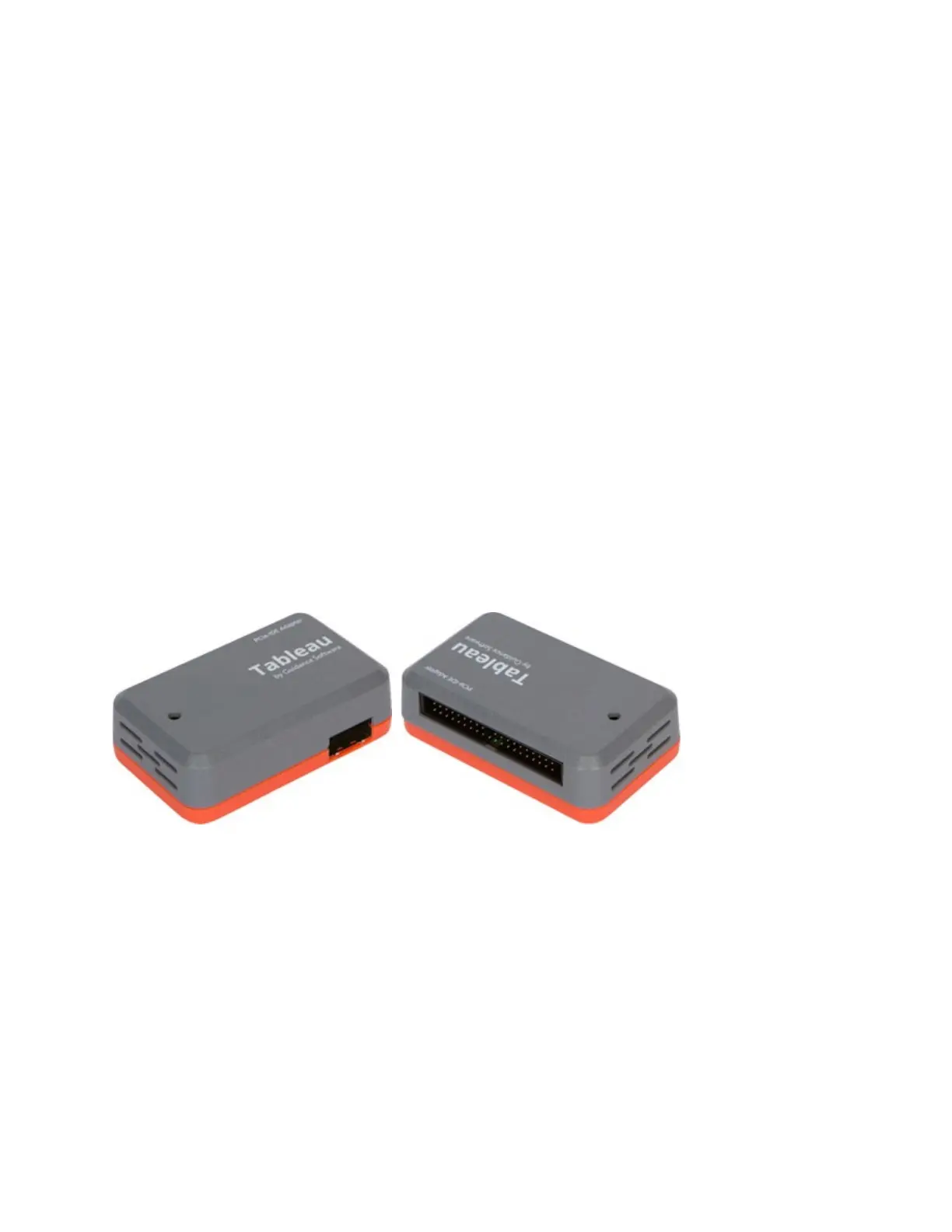
5.2 PCIe IDE adapter (TDA7–5)
The PCIe IDE Adapter (TDA7-5) enables the acquisition of IDE drives via TX1’s PCIe
source port. The IDE adapter kit (sold as an add-on to the TX1 kit) includes the IDE
power and signal cables used to connect the IDE drive to the adapter. The PCIe cable
used to connect the adapter to TX1 is included with the TX1 kit.
5.2.1 Using the TDA7-5
1. With TX1 powered off, attach the TDA7-5 to the TX1 by connecting it to the source
PCIe port on the left side of TX1, using a Tableau TC-PCIE cable (4” or 8”).
2. Connect an IDE drive using the TC6-2 ribbon cable (blue connector goes to the
TDA7-5) and TC2-8-R2 power cable.
Copyright © 2022 Open Text. All rights reserved. Trademarks owned by Open Text.



 To Next Page