OpenText Tableau Forensic TX1 Imager
The Information Company 19
• Network Settings: Access the Network Settings screen.
• Defaults: Access the Operations Defaults screen.
• Users: Access the administrator level User Management screen.
• Lock System: Lock the screen with a PIN to prevent access while unattended.
• About: Access the About screen to view additional information such as the firmware
build Id, serial number, network MAC address, copyright, and licensing information.
• User: Access the User Management screen for the current user.
3.2.1 System settings
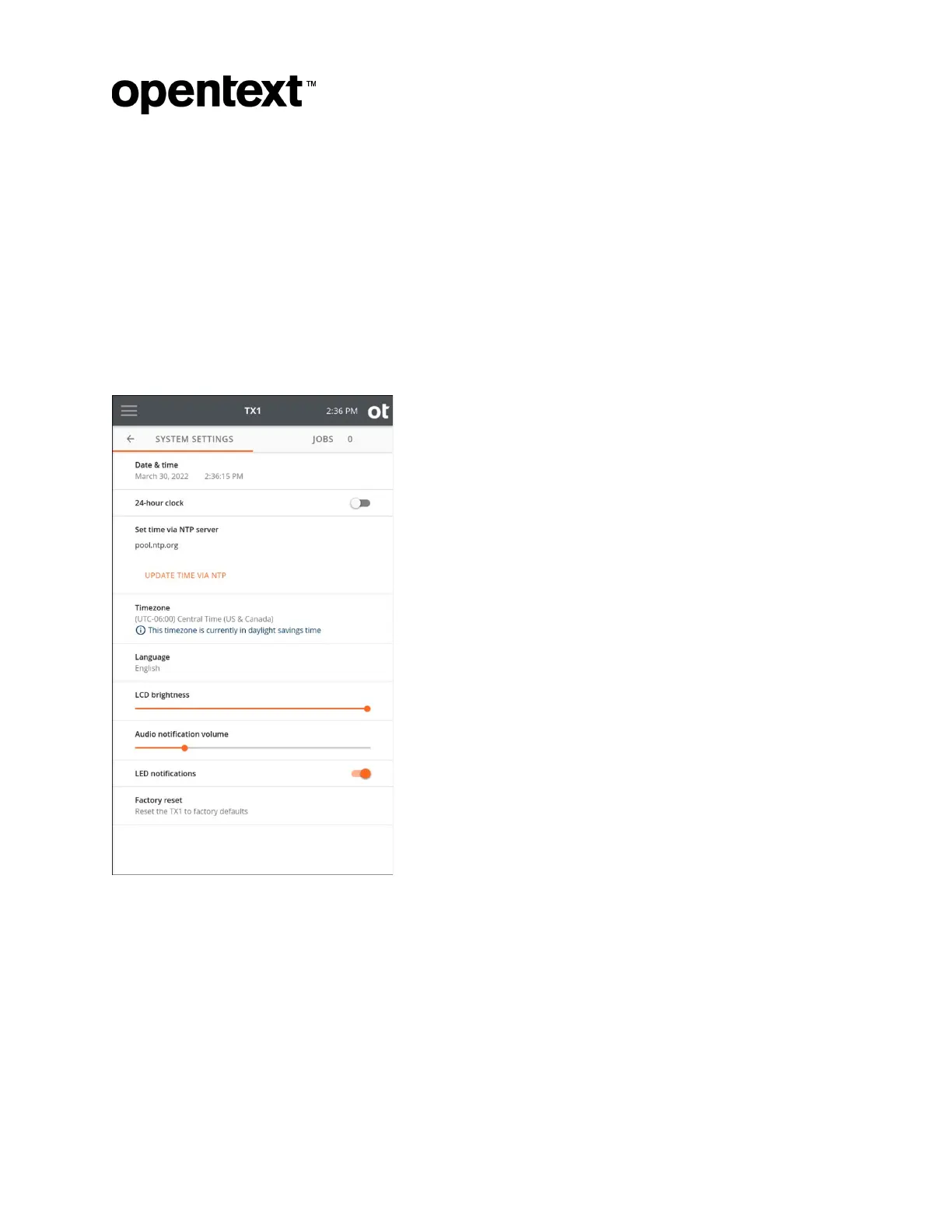
Tap System Settings to display the System Settings page.
The Syst
em Settings page provides selections to configure basic TX1 system options
including Date & time, 24-hour clock, Set time via NTP server, Timezone, Language,
LCD brightness, Audio notification volume, and LED notifications. You can also
perform a factory reset.
Note: A factory reset will restore all system settings to their factory defaults and delete all
existing job logs. Exporting all logs to an external device is recommended before initiating
a factory reset.
Copyright © 2022 Open Text. All rights reserved. Trademarks owned by Open Text.



 To Next Page