OpenText Tableau Forensic TX1 Imager
The Information Company 169
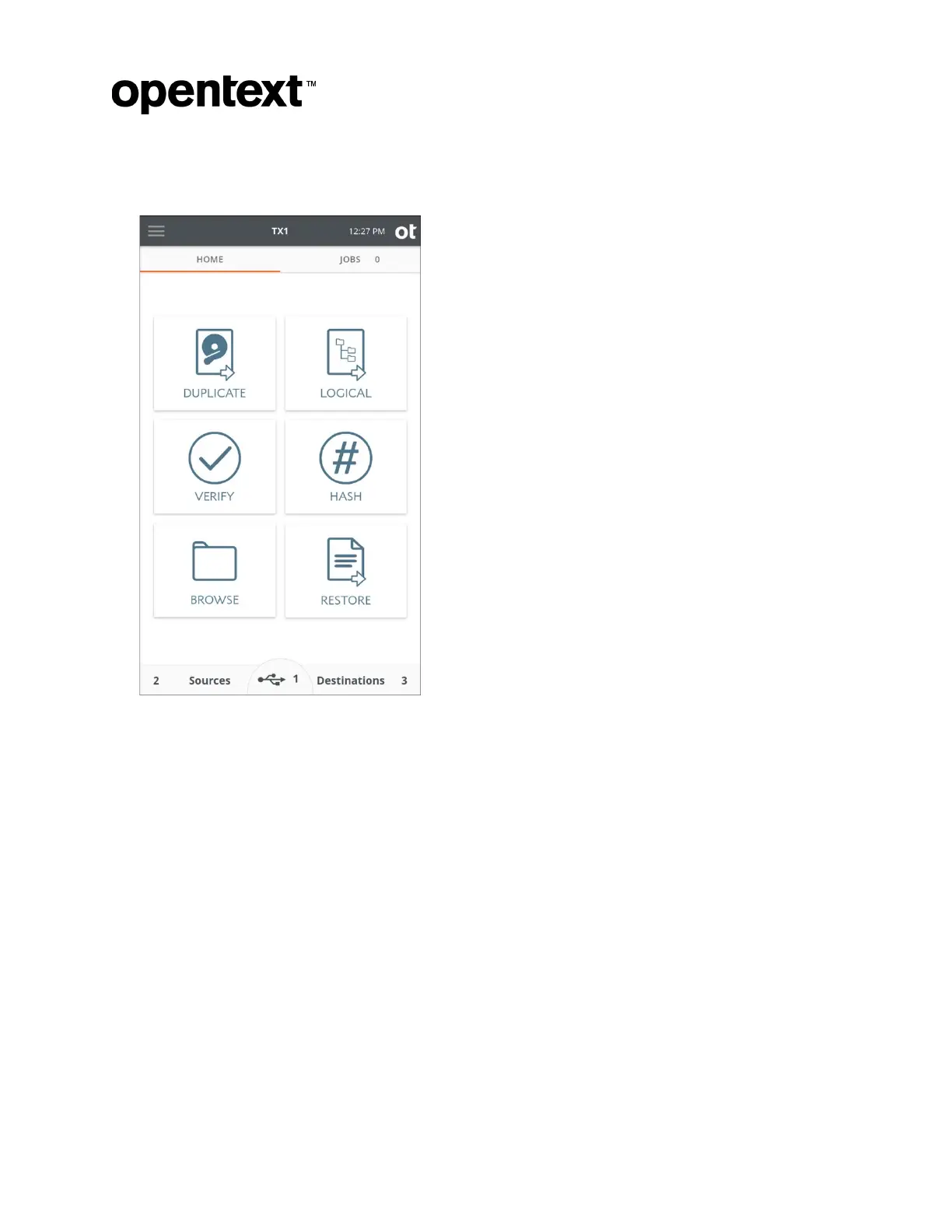
5. Enter the username and password, and the TX1 user interface should appear in your
browser, as shown below.
Note: I
f any TX1 units in your network environment have a custom hostname defined
(in the Network Settings screen), that hostname will be displayed in the browser tab
when the unit is accessed remotely. This allows for easy identification of the specific
TX1 associated with each browser window, which is helpful in a lab environment with
multiple TX1 units being accessed remotely from the same browser.
5 Adapters
This chapter describes the add-on drive adapters available for TX1, which extend
imaging capabilities in an easy to connect and use manner.
Important:
The PCIe interface on TX1 does not support hot-swapping. PCIe adapters with drives
installed must be attached to TX1’s PCIe port before powering up the unit. Also,
removing a PCIe adapter from TX1 or removing a drive from a PCIe adapter before
powering down the device will cause system instability and could possibly damage the
Copyright © 2022 Open Text. All rights reserved. Trademarks owned by Open Text.



 To Next Page