OpenText Tableau Forensic TX1 Imager
The Information Company 165
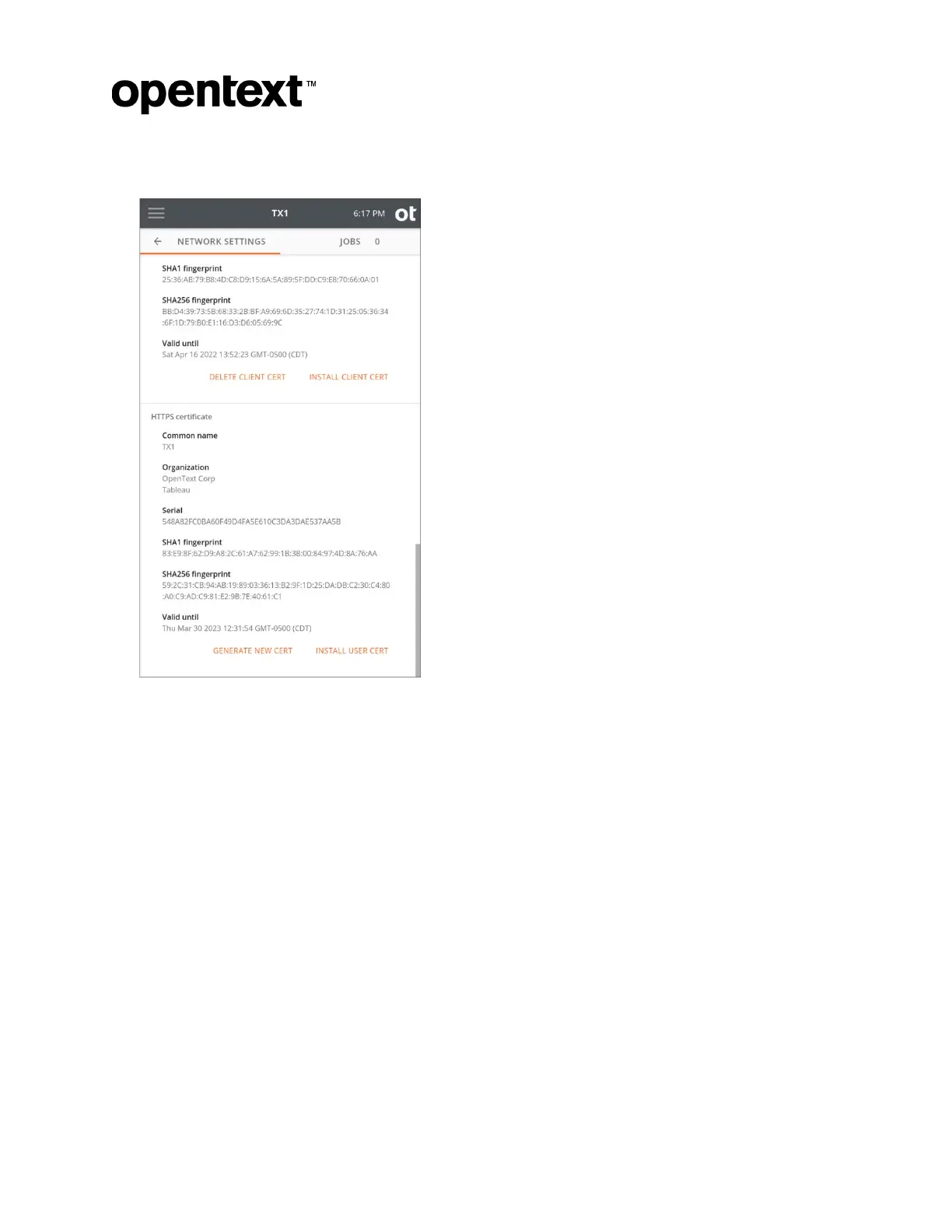
2. Scroll to the bottom of the screen.
3. You hav
e two options:
• To create a new self-signed certificate:
1. Tap Generate New Cert. A warning modal appears asking you to confirm
generation of a new self-signed SSL certificate and system reboot.
2. After confirming, the system reboots.
• To install your own SSL certificate on TX1:
1. Tap Install User Cert.
2. Select the desired drive/filesystem from the list, and a file browser window is
displayed.
3. Navigate to and select the .pem SSL certificate file. A warning modal
appears asking you to confirm installation of the SSL certificate and system
reboot.
4. Select Install. The system reboots.
Copyright © 2022 Open Text. All rights reserved. Trademarks owned by Open Text.



 To Next Page