136 The Information Company
TX1-generated packed log files (extension “tx1_packed_log”) can also be viewed directly
on TX1. These files are used as input for Restore and Verify jobs. Being able to view
these files before starting one of those jobs can help ensure the desired file is selected.
Note: Viewing large text files (larger than 256 KB) results in undesirable screen update
effects while scrolling through the file on TX1. For that reason, only the first 256 KB of
data is shown when viewing text files directly on TX1. Files larger than 256 KB are
truncated with a message at the end of the file in the viewing window that informs of the
truncation. Download the file (using the remote web interface) or create an lx01 image for
use in a forensic analysis tool such as EnCase Forensic to see the full contents of any
large text files.
TX1 det
ermines which text and image files are viewable by file extension only. The
following file extensions are viewable on TX1:
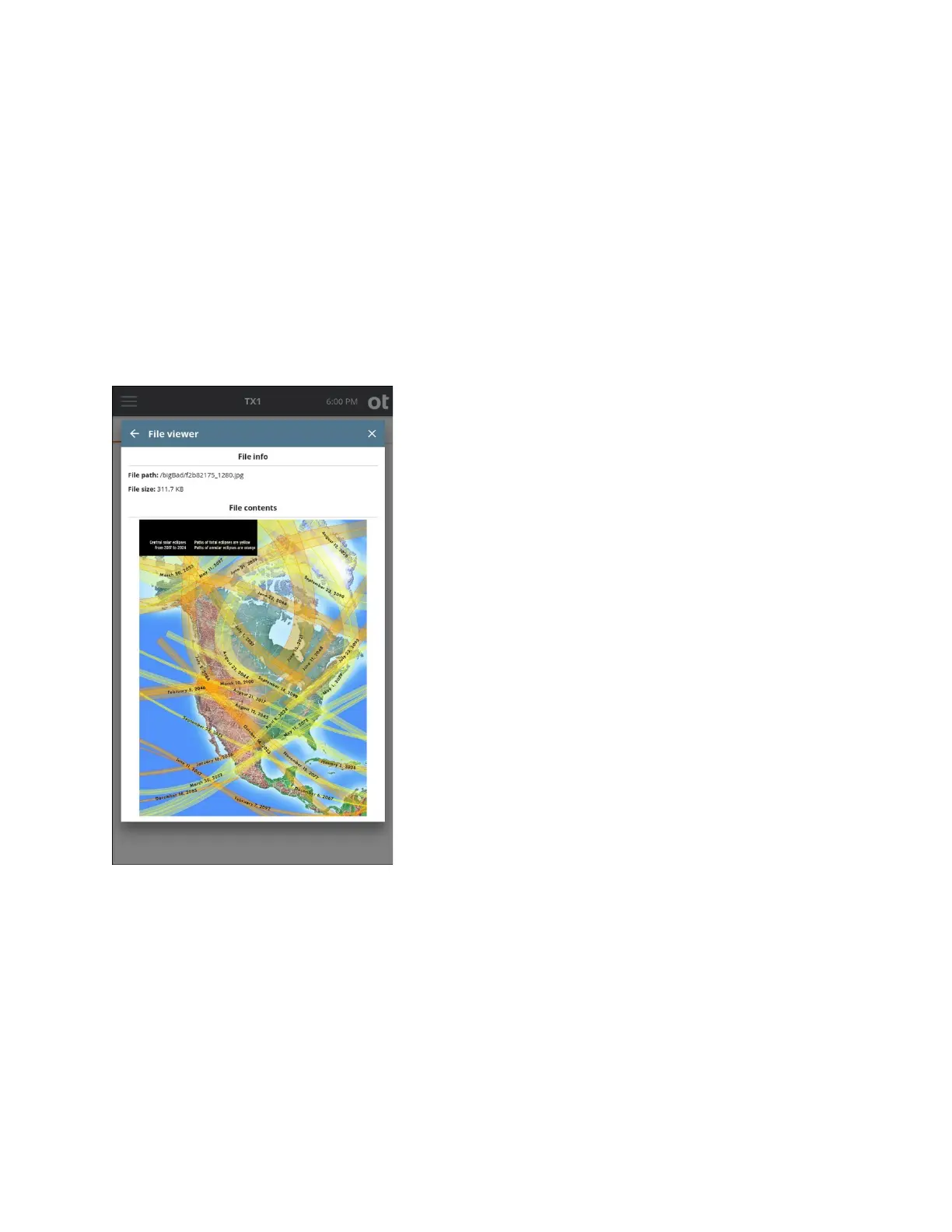
• Text type: .bat, .c, .conf, .csv, .h, .htm, .html, .ini, .js, .json, .log, .nfo, .py, .readme,
.sh, .text, .tsv, .txt, .xml
• Image type: .apng, .bmp, .gif, .ico, .cur, .jpg, .jpeg, .jfif, .pjpeg, .pjp, .png, .svg, .webp
• TX1 packed log type: “tx1_packed_log”
While it is possible to view the text version of a TX1 forensic log file via the Browse
feature, for security reasons, the HTML log files will appear as raw HTML text. In order to
Copyright © 2022 Open Text. All rights reserved. Trademarks owned by Open Text.



 To Next Page