OpenText Tableau Forensic TX1 Imager
The Information Company 141
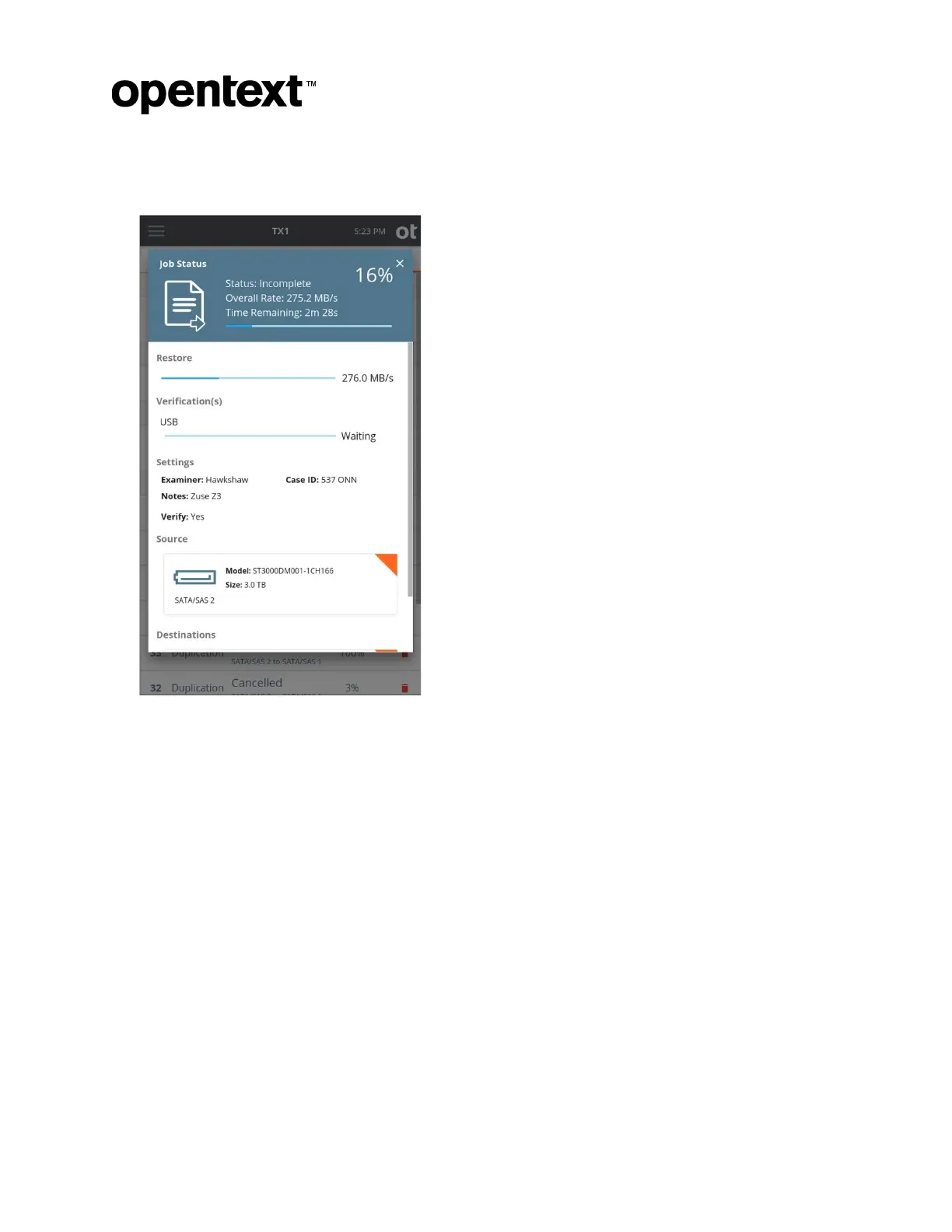
6. Tap the Start Restore button at the bottom of the screen. A Job Status modal is
displayed.
To canc
el the Restore operation, tap the Cancel button from the Jobs summary screen.
When the Restore operation completes, the results are displayed on-screen. The log for
the completed job can be viewed by tapping on the View Log link on the right side of the
top Job Status screen header or through the side navigation menu.
The hash values calculated while reading back the data from the source logical evidence
file are captured in the forensic logs. These appear as Restoration MD5 and Restoration
SHA1 values in the Image Source section of the log.
Copyright © 2022 Open Text. All rights reserved. Trademarks owned by Open Text.



 To Next Page