OpenText Tableau Forensic TX1 Imager
The Information Company 167
2. Connect TX1 to your local area network with an Ethernet cable.
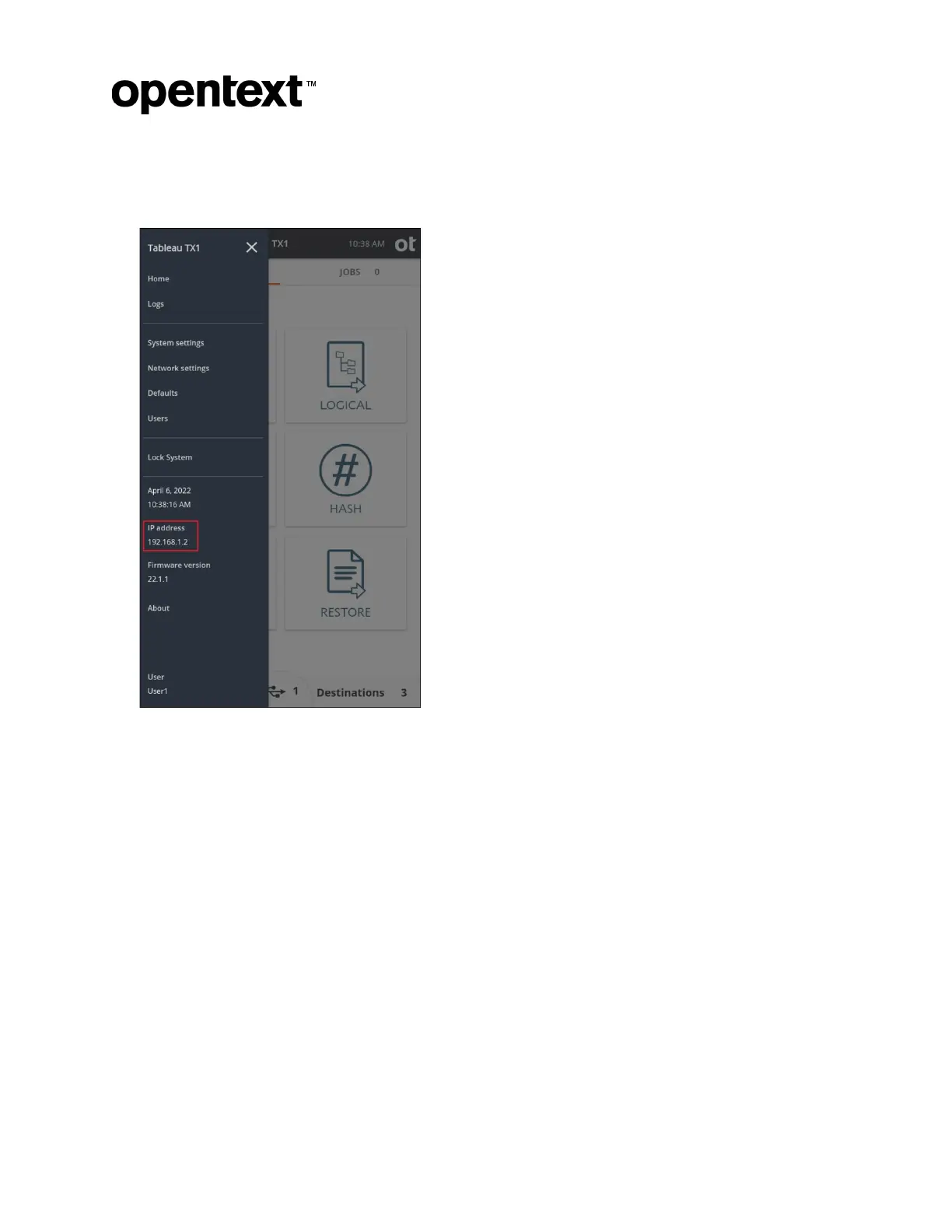
3. Obtain the assigned IP address from the side navigation menu, as shown below.
4. Open a web brows
er of your choice on a computer/device that is connected to the
same local area network as TX1, type TX1’s IP address (or hostname) into the
address field in the web browser (same field where you would enter a web page
URL), and press Enter. The remote UI login screen should be shown in your browser.
Copyright © 2022 Open Text. All rights reserved. Trademarks owned by Open Text.



 To Next Page