88 The Information Company
4.3.5.2 Adding a CIFS share
To add a CIFS share as a source or destination:
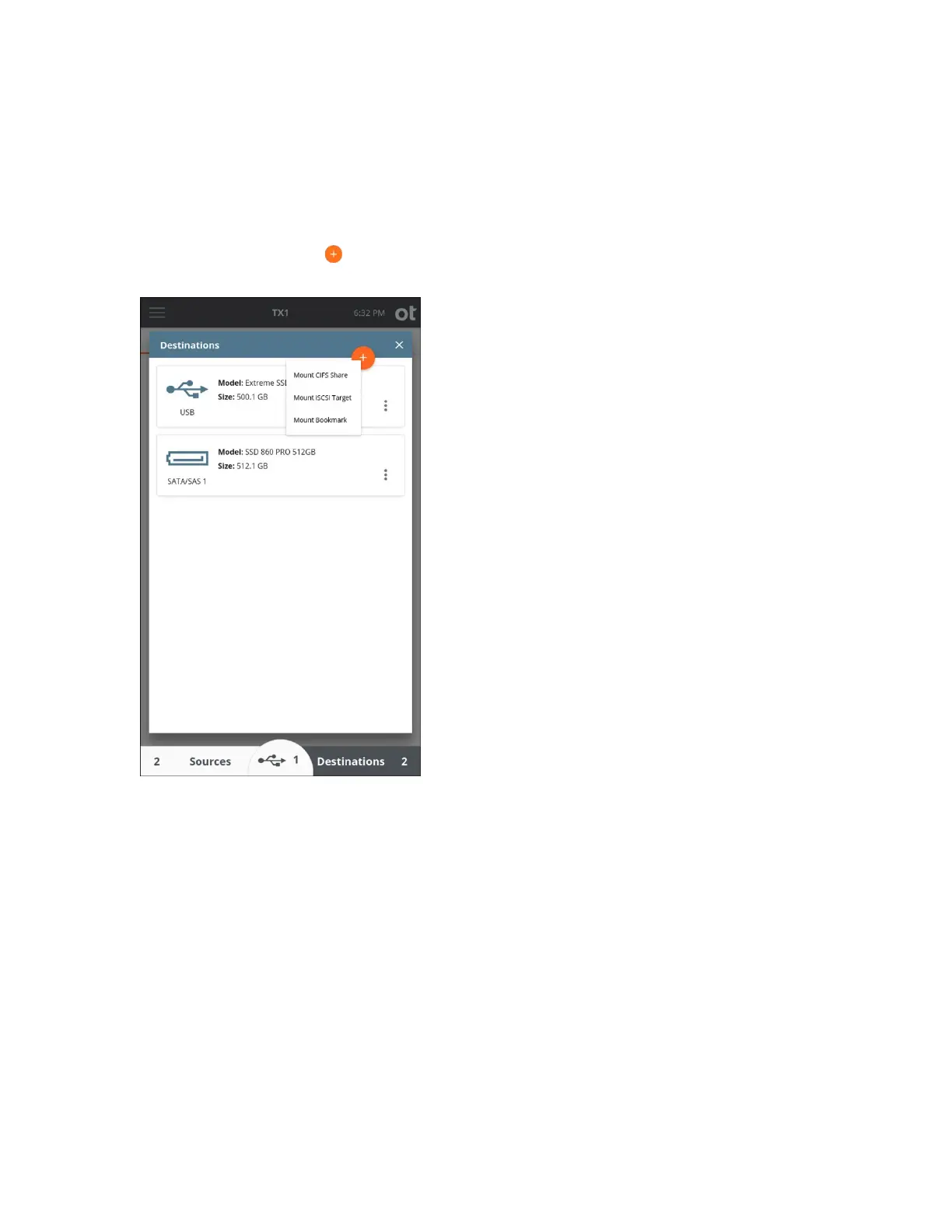
1. Tap the Sources or Destinations button at the bottom of the Home screen. Then
tap the orange plus button in the upper right corner of the drive list and tap Mount
CIFS Share to display the mounting screen.
Copyright © 2022 Open Text. All rights reserved. Trademarks owned by Open Text.



 To Next Page