92 The Information Company
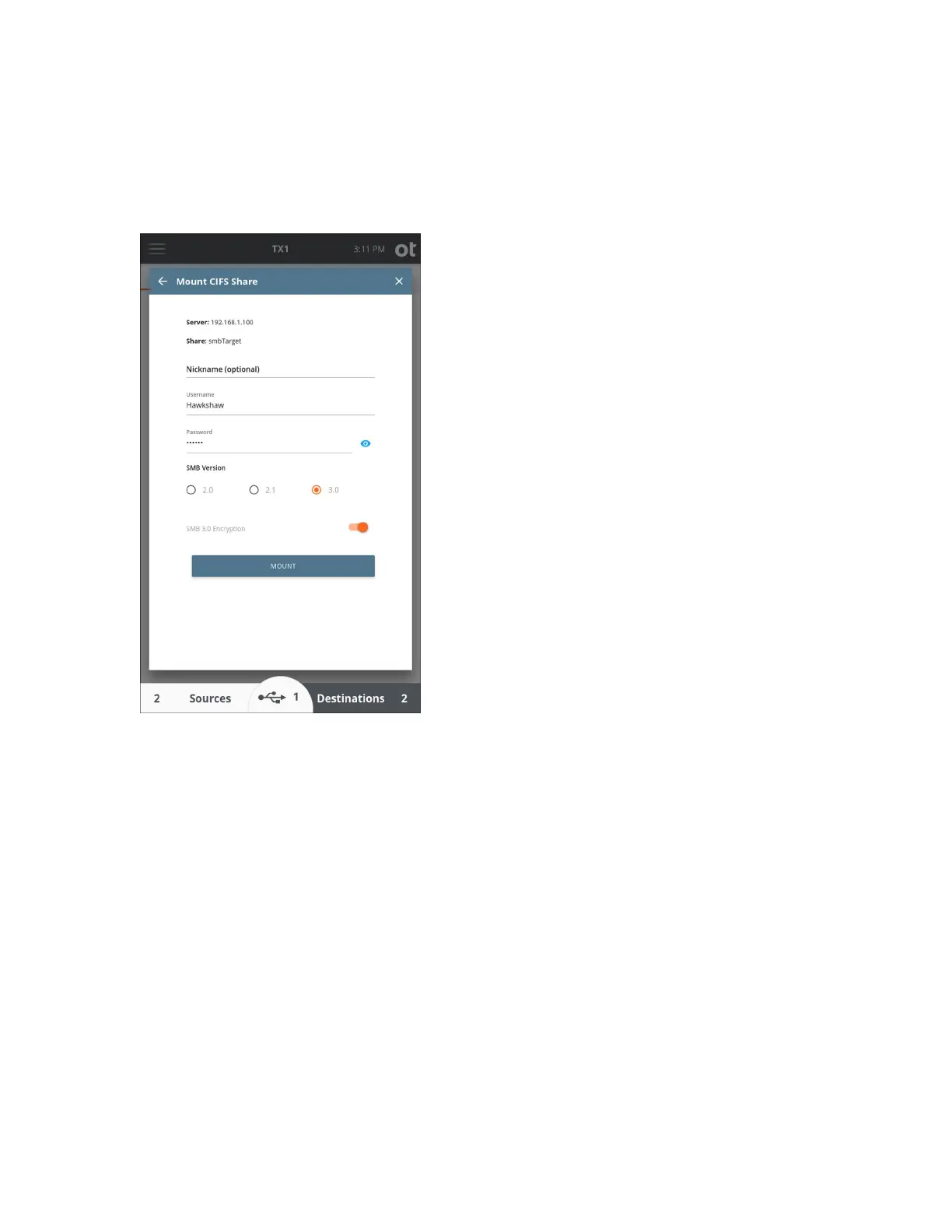
5. Enter a nickname for this CIFS share (optional) and enter a login username and
password (if required). Choose the SMB Version and enable SMB 3.0 encryption (if
desired), then tap the Mount button to login and mount the CIFS share.
Note: Due t
o network security concerns, TX1 no longer supports SMB 1.0 as a
mounting option for CIFS shares. Any bookmark previously stored that utilized SMB
1.0 will indicate that it is now invalid. The only course of action is to delete the
existing bookmark and then remount and re-bookmark the share with a different SMB
version selected.
Copyright © 2022 Open Text. All rights reserved. Trademarks owned by Open Text.



 To Next Page