Sensor Setting
13
6
Sensor Setting
The following settings are available from SC-U1.
To start sensor setting, press
.
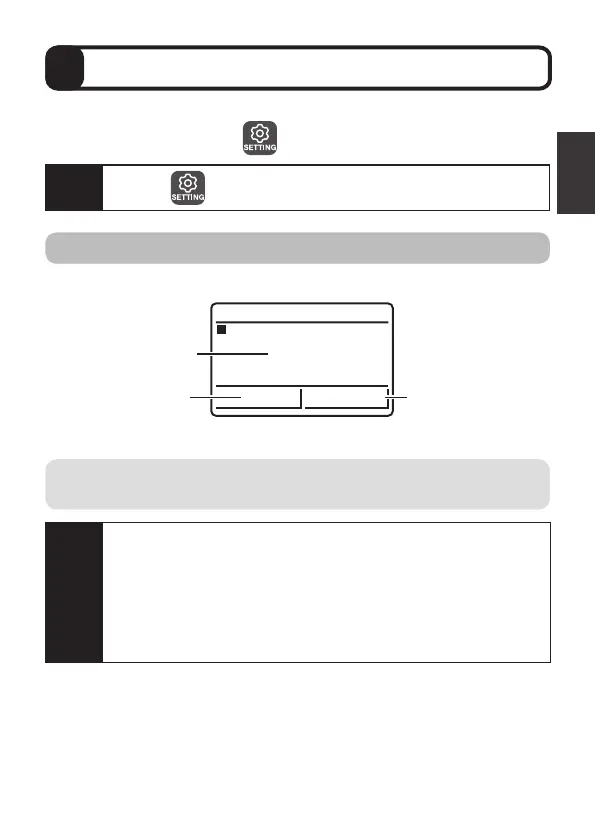
Set measurement items to display as main, 2nd, and 3rd display of SC-U1.
㸯
'2
5/<
PJ/
Υ
Main display
2nd display
3rd display
Select an item from the following.
Display item
For operation, refer to the "Universal Transmitter SC-U1 Operation
Manual", "5.1 Sensor Setting" and "
◆
Display Item".
Caution
Pressing automatically retains the measurement value.
Caution
When the display item is changed, the settings of “7 4-20 mA
Setting” P.15 and “8 Relay Setting” P.17 that have set the
display item become OFF.
In addition, the values of “10 Adjustment”, “Offset adjustment”
P.30, and “2-point adjustment” P.34 are reset to the factory
default values.
Set again if necessary.



 To Next Page