Maintenance
Setting
43
Sensor cap replacement is set to 365 days as the factory default setting.
It is recommended to operate with this setting.
Item
[Display]
Setting range
Factory default
setting
Sensor cap replacement timer
[Sens. Cap Replacement]
OFF (Not recommended)
30 to 365 days (by 1 day)
365 days
Sensor cap replacement timer
◆
Canceling sensor cap replacement notification
Cancel the sensor cap replacement notification.
Replace the sensor cap (Refer to “3 Attaching the Sensor
Cap” P.8).
Purchase the replacement sensor cap (DOS-CP). After replacing to a
new sensor cap, the sensor cap replacement notification is automatically
cancelled and the count of the sensor cap replacement timer is restarted.
1
0DLQWHQDQFH
㸱'2'26
6HQV&DS5HSODFHPHQW
UHPDLQLQJࠉࠉࠉࠉࠉࠉGD\V
7LPHU&OHDU
7LPHU6HWWLQJࠉࠉGD\V
Reference
If the date and time setting of SC-U1 is incorrect and a sensor
cap replacement notification is issued, clear the timer according
to “
◆
Sensor cap replacement timer setting” P.44.
㸯
0$,17
'2
5/<
PJ/
Υ
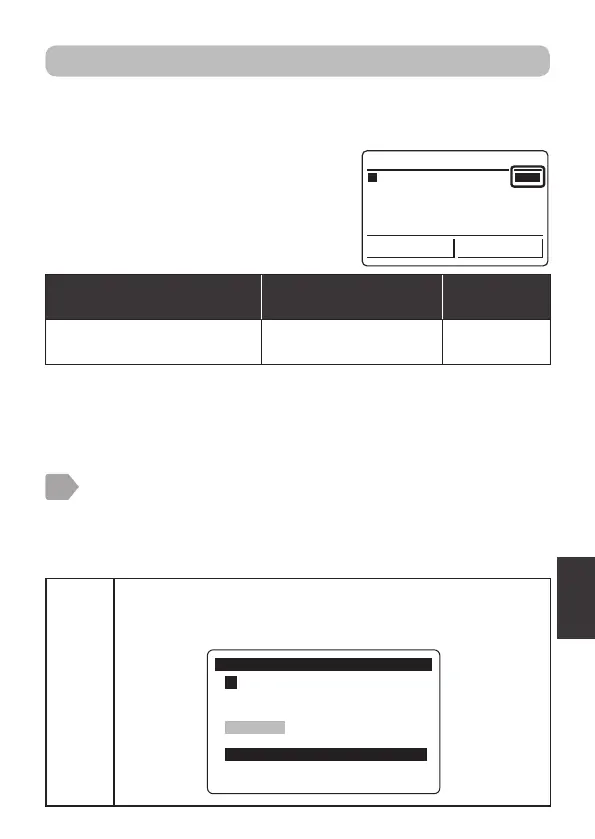
Set a replacement period of the sensor cap.
Perform notification using a relay output when the set period has elapsed
(Refer to "Sensor cap output setting" P.18).
"MAINT" is displayed on the measurement
value display for the sensor for which the
sensor cap replacement notification has
been issued.



 To Next Page