Adjustment
32
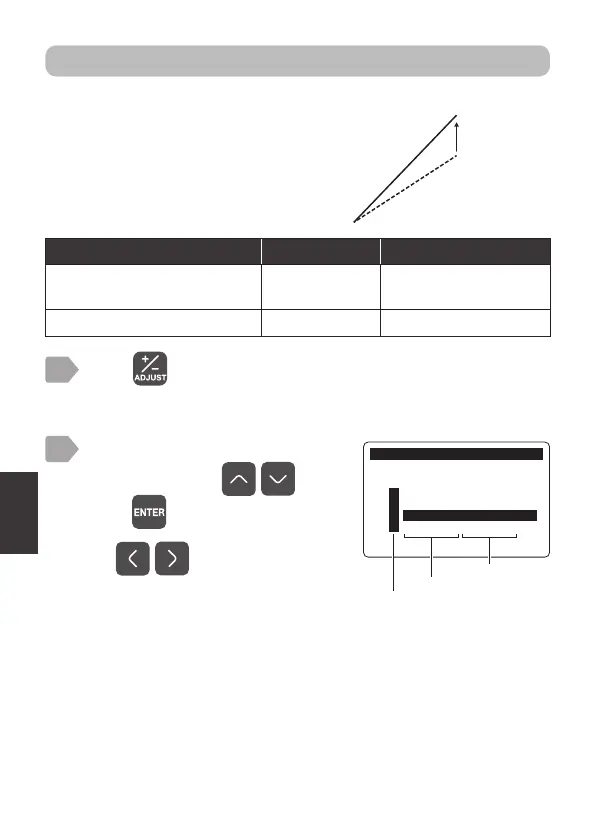
Span adjustment
Press .
The measurement item selection display is displayed.
1
2
$GMXVW
0HDVXUHPHQW,WHP6HOHFW
㸯S+ࠉ6(S+'
㸰7XUE7&'
㸱'2'26
㸱7HPS'26
Measurement item
Sensor model
Select an item to perform span
adjustment using
, and
press .
Use to switch pages.
The adjustment menu is displayed.
after span
adjustment
value
Set the span coefficient for a measurement value.
Display the measurement value with
span-adjusted to any display value.
For 4-20 mA output (“7 4-20 mA Setting” P.15)
and alarm output (“Alarm output setting” P.17),
the adjusted values are applied.
Measurement item [Display] Setting range Factory default setting
Dissolved oxygen
concentration [DO]
0.30 to 3.00 1.00
Temperature [Temp.] 0.30 to 3.00 1.00



 To Next Page