Cleaning
46
12
Cleaning
Set the sensor cleaning setting from SC-U1.
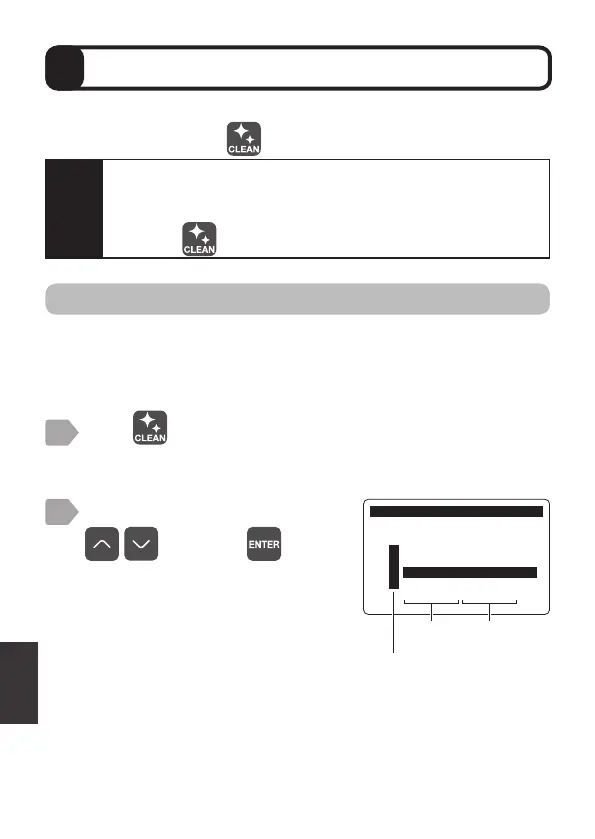
To perform cleaning, press
.
Manual cleaning
Manually activate the cleaning device. Perform cleaning only if the cleaning
output has been set using relay output.
While cleaning the measurement value of the target sensor is retained (held).
Press .
The sensor selection display is displayed.
1
2
Select [DO DOS-20] using
, and press .
By selecting [ALL], all of the connected
sensors can be selected.
The cleaning menu is displayed.
&OHDQLQJ
6HQVRU6HOHFW
㸯S+ࠉࠉࠉ6(S+'
㸰7XUE7&'
㸱'2'26
㸲
ࠉࠉࠉ$//
Output
item
Sensor
model
Caution
・
The optional cleaning device is required to carry out cleaning.
・
The cleaning process consists of cleaning activation time and
post-cleaning standby time.
・
Pressing
automatically retains the measurement value.



 To Next Page