Calibration
29
For operation, refer to the "Universal Transmitter SC-U1 Operation
Manual", "6 Calibration" and "
◆
Initialize Calibration Value
".
The adjusted values are reset to the factory default setting.
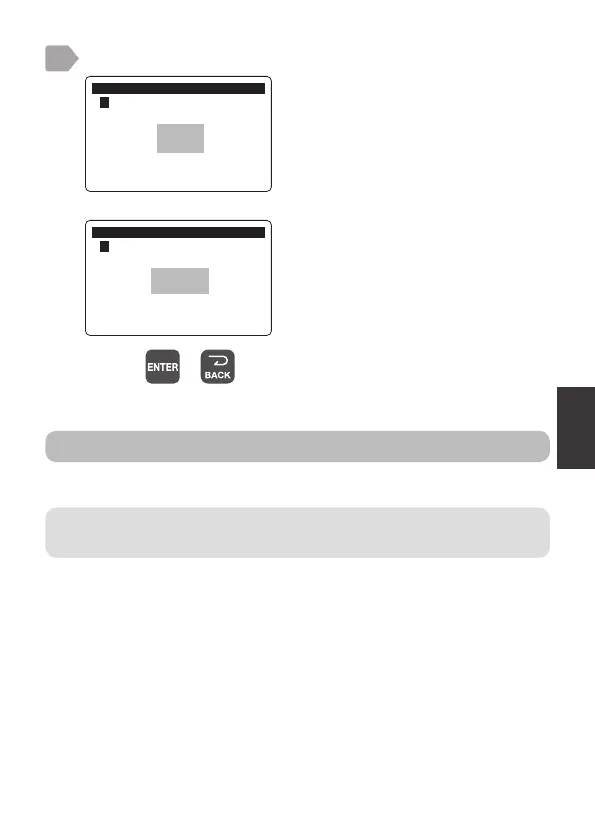
When the calibration is complete, check the result.
good:
The calibration is properly completed.
E4200 to E4299:
Calibration failed.
Try the steps again from 1.
&DOLEUDWLRQ
㸱'2'26
2SWLRQDO'HQVLW\&DOLEUDWLRQ
good
&DOLEUDWLRQ
㸱'2'26
2SWLRQDO'HQVLW\&DOLEUDWLRQ
E4200
9
Initialize calibration value
Pressing or switches to the measurement value display.



 To Next Page