Calibration
27
Press .
The sensor selection display is displayed.
Insert the sensor’s temperature sensor until it is immersed
in the solution.
Leave this to stand for at least 5 minutes to allow the
temperature to stabilize.
5
3
4
It is possible to immerse the sensor in the solution for which the dissolved
oxygen concentration is known and align the display value with this
concentration.
Item
[Display]
Setting range
Factory default
setting
Dissolved oxygen
concentration [DO]
2.00 to 50.00 (by 0.01) 2.00
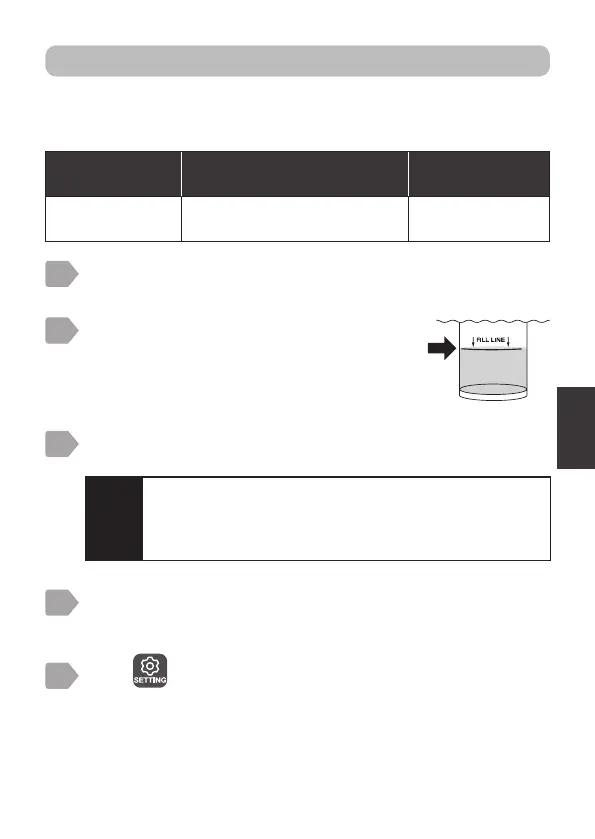
Pour the solution with the known
concentration into the calibration
container up until the fill line.
2
Prepare calibration (“Preparation” P.21).
1
Optional density calibration
Caution
・
Insert the measurement area so that approximately 1 cm is
left between it and the bottom of the calibration container.
・
Insert the sensor so that no bubbles build up on the
measurement area.



 To Next Page