Adjustment
30
10
Adjustment
Offset adjustment
Measurement item [Display] Setting range Factory default setting
Dissolved oxygen
concentration [DO]
-5.00 to 5.00 0.00
Temperature [Temp.] -5.0 to 5.0 0.0
Adjust and display the measurement values according to usage. In addition, adjust
and display the measurement values according to the environment where used.
To adjust, press .
after offset
adjustment
value
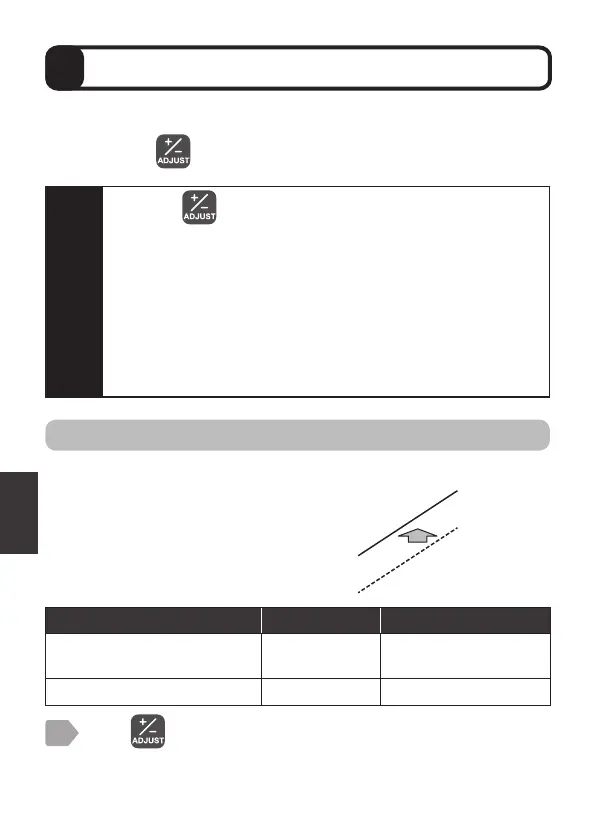
Set the offset coefficient to add to a
measurement value.
Display the measurement value with
offset-adjusted to any display value.
For 4-20 mA output (“7 4-20 mA Setting” P.15)
and alarm output (“Alarm output setting” P.17),
the adjusted values are applied.
Caution
・
Pressing automatically retains the measurement value.
・
The dissolved oxygen saturation and oxygen partial pressure
cannot be adjusted.
・
If offset, span, or 2-point adjustment has already been
performed, be sure to initialize the adjustment before
performing the 2-point adjustment.
・
When “Display item” P.13 is changed, the values of the offset
adjustment, span adjustment, and 2-point adjustment that have
set the display item are reset to the factory default values.
Set again if necessary.
Press .
The measurement item selection display is displayed.
1



 To Next Page