Adjustment
38
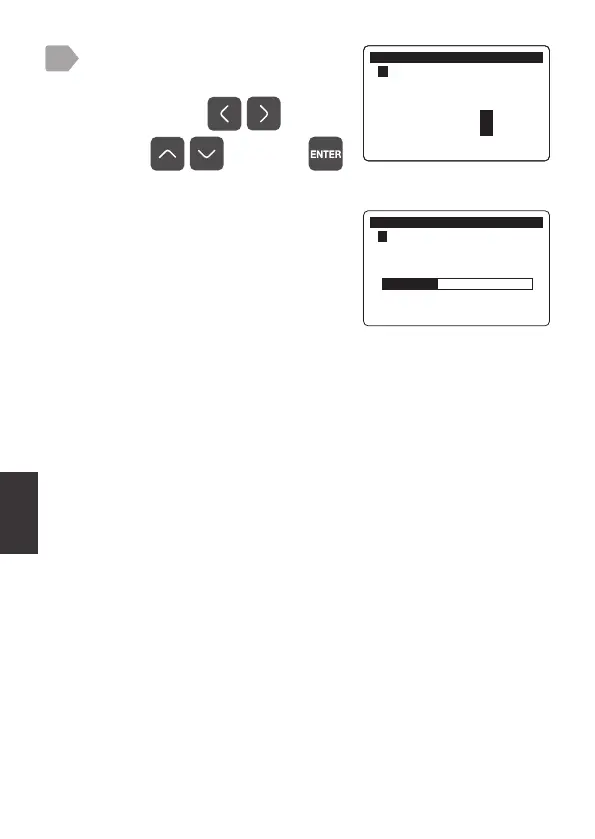
Enter the correction value for the
salinity.
Select a digit by and
value by
, and press .
During adjustment a progress bar is
displayed.
When completed, the display returns
to the measurement value display.
4
$GMXVW
㸱'2'26
6DOLQLW\$GMXVWPHQW
ࠉࠉࠉࠉࠉࠉࠉࠉࠉࠉࠉ368
$GMXVW
㸱'2'26
6DOLQLW\$GMXVWPHQW



 To Next Page