Chapter 3 - How to...
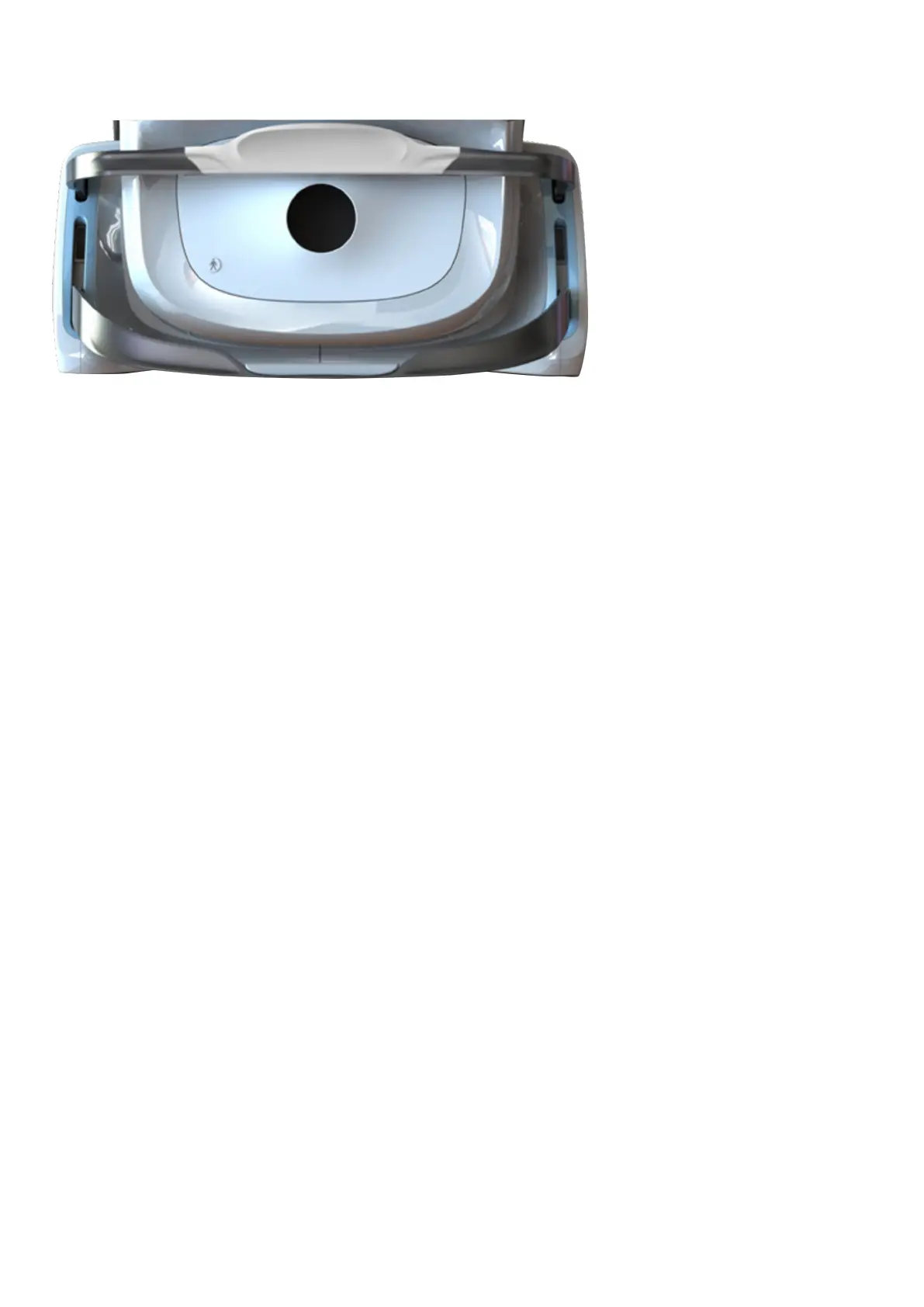
FIGURE 8: Chin rest and head rest
3.2 Capture images
These procedures should be used as the basic procedure for all image captures. Please contact your Optos
representative if the image modality you want is not available, see Contact us on page67.
To achieve optimal patient positioning the patient is typically seated in front of the device. Space may be
required to allow the table height to be adjusted while the patient is sitting in the chair.
To capture and review images and scans use the procedures below.
Page 34 of 72 Part Number: G110230/1ENG
English Copyright 2019, Optos plc. All rights reserved.



 To Next Page